The Legend of Zelda: Tears of the Kingdom PC Port (TotK Recomp)
Early-development native port of Tears of the Kingdom (Switch) for Windows and Linux, at 60 FPS by default and with DLSS. It is not an emulator and does not include the game: you need your own copy.
What it is
TotK Recomp is an independent, non-commercial fan project by valentderah and contributors that turns The Legend of Zelda: Tears of the Kingdom (Switch, 2023) into a native program for Windows and Linux. It is not an emulator: it is a static recompilation. Once, in the setup, the Switch code is converted into C code, function by function, and compiled with a bundled LLVM compiler into totk.exe. The Switch graphics (NVN) are translated to Vulkan and the shaders are prepared during installation.
It is in early development: it is playable, but visual bugs and crashes are still expected. It offers 60 FPS by default (up to 144 or the monitor's refresh rate, experimental), custom resolutions, supersampling, FSR 1, DLSS and DLAA on RTX cards, HDR10, ultrawide and 16:10 screens, a settings menu (F1), keyboard, mouse and gamepad with gyro, 5.1 sound, mods made for emulators (including HD texture packs) and cheats.
Note: there are copies of the repository with the same name on other accounts. The only official one is valentderah's.
What you need
- Windows 10 or later, or Linux 6.7+ with glibc 2.34+ (Ubuntu 22.04, Debian 12, SteamOS 3…). On Steam Deck it works with the AppImage in Desktop Mode.
- x86-64 CPU with SSE4.2; CPUs with AVX2/FMA get a faster build.
- GPU with Vulkan 1.3 and the
VK_EXT_external_memory_hostextension. - About 36 GB free during setup (20 GB after).
How to install and run it
- Download the latest version from the official project's Releases ("Go to the official project" button):
TotK-Setup-…-windows.zipor, on Linux and Steam Deck, the.AppImage. - On Windows, extract the ZIP into a folder of your own (for example
C:\Games), never in Program Files. On Linux, make the AppImage executable. - Open
TotK-Setup.exe. If SmartScreen warns that the app is not signed: "More info" → "Run anyway" (only if you downloaded it from the official GitHub). - Choose your game files and the other things it asks for from your console, the language and an empty install folder, then press Start.
- Wait: the setup translates the code to C, compiles
totk.exeand prepares the shaders. It only happens once. - When it says "The game is ready", open
totk.exe. Settings are in the F1 menu and intotk.ini. To update, run the new setup on the same folder.
Screenshots (3)
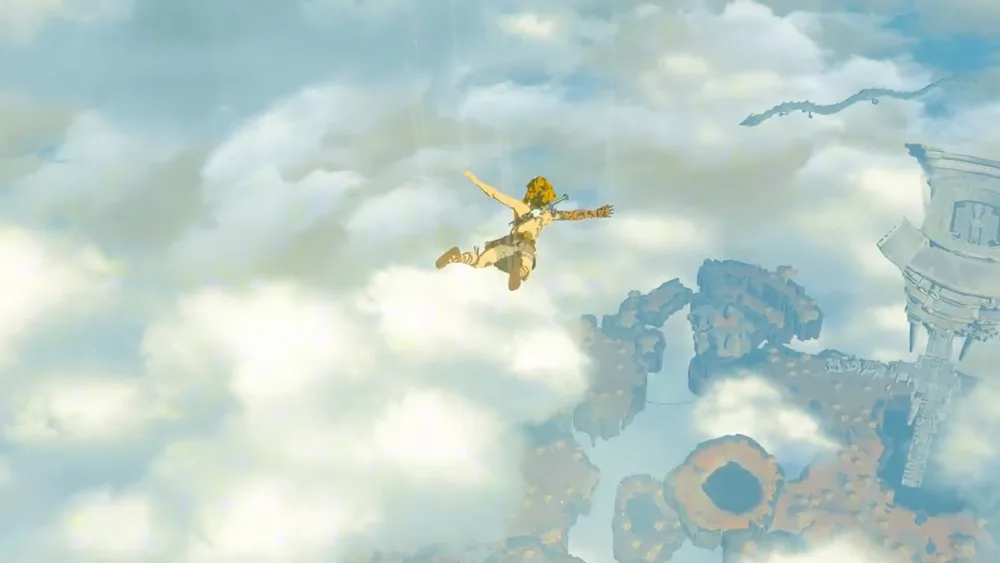
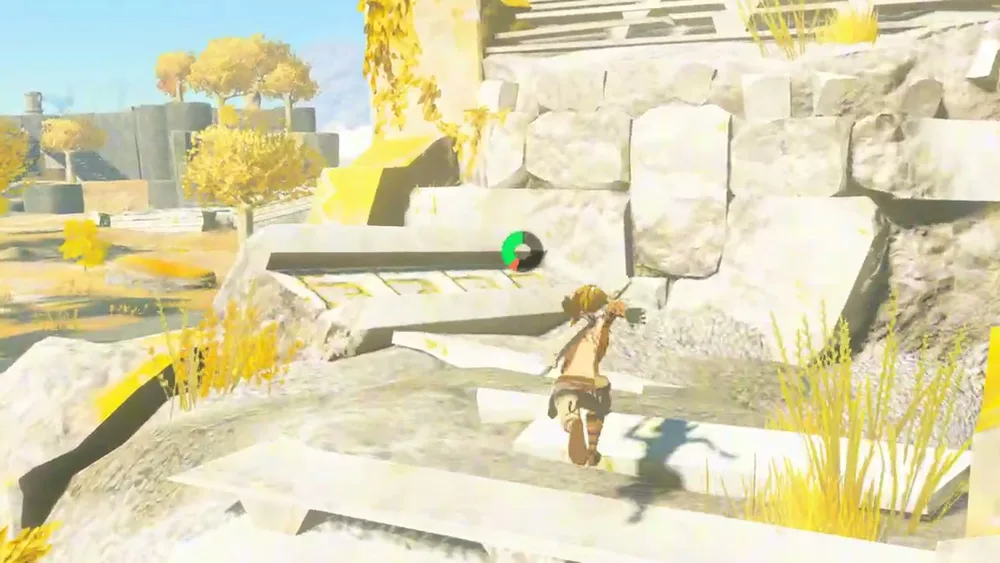
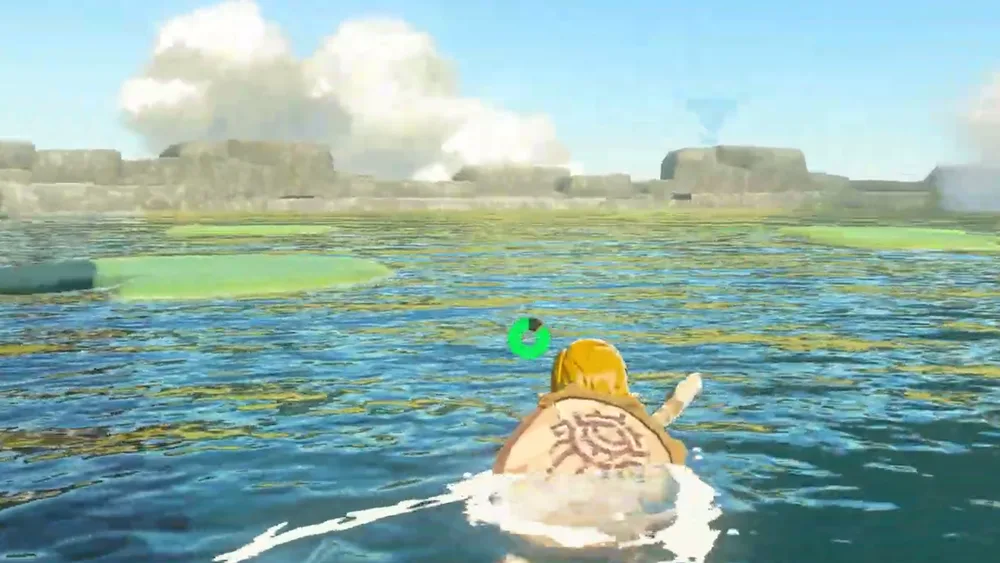
Screenshot source: Touareg Gaming
Current limitations
- Early development: it is playable, but there are visual bugs and crashes.
- AMD: if you get a black screen or
VK_ERROR_DEVICE_LOST, setvk_recorder = 0under[performance]intotk.ini. - Laptops: if shaders fail or FPS drop, set the GPU to Auto (F1 menu › Screen) and run the setup again.
- Game 1.2.1 with DLSS: the camera may look zoomed into a corner; turn DLSS off until the fix.
- DLSS and the Linux build are tested by the community. 144 FPS is experimental.
Port or emulator?
If your computer does not meet the requirements, you do not have the exact version the port asks for, or you prefer the classic route, you can play the original with a console emulator: see emulators and its install and setup guide.
Related ports
More ports, grouped by console
More Nintendo Switch ports (1)
View Nintendo Switch ports →
Nintendo 64 (5)
View Nintendo 64 ports → Playable
Same series
The Legend of Zelda: Ocarina of Time PC and Android Port (Ship of Harkinian)
 Playable
Same series
The Legend of Zelda: Majora's Mask PC and Android Port (2 Ship 2 Harkinian)
 Playable
Same series
The Legend of Zelda: Majora's Mask PC Port (Zelda 64: Recompiled)
 Playable
Mario Kart 64 PC Port (SpaghettiKart)
 Playable
Banjo-Kazooie PC Port (Banjo: Recompiled)
GameCube (5)
View GameCube ports → Playable
Same series
The Legend of Zelda: Twilight Princess PC Port (Dusklight)
 Beta
Same series
The Legend of Zelda: The Wind Waker PC and Mobile Port (BlueWake)
 Beta
Metroid Prime PC Port (MetroidPrimePort)
 Beta
Animal Crossing GameCube PC Port (ACGC PC Port)
 Playable
Super Mario Strikers GameCube PC Port (Strikers)
Super Nintendo (5)
View Super Nintendo ports → Playable
Same series
The Legend of Zelda: A Link to the Past on PC: Zelda 3 Launcher
 Playable
Super Mario World on PC: smw reimplementation
 Playable
Super Metroid on PC: Super Metroid Launcher
 Playable
Donkey Kong Country on PC: DKC1Recomp
 Playable