
PCSX2: the PS2 emulator for PC
PCSX2 is the most widely used open-source PlayStation 2 emulator. It runs on Windows, Linux and macOS, is free and is updated often. With it you can play your PS2 games at higher resolution, with filters and quick saves. This guide covers how to download it, what you need and how to set it up step by step.
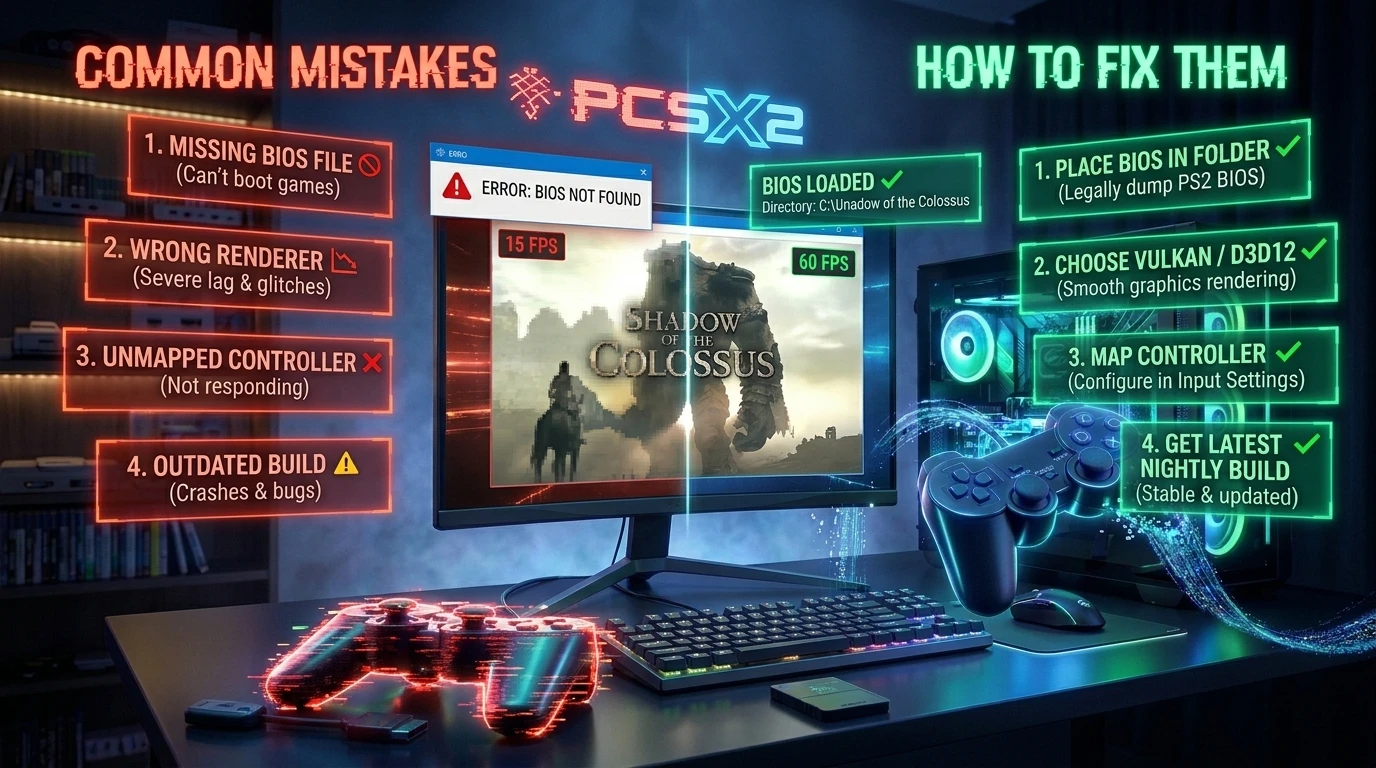
What you need before you start
- The emulator: download PCSX2 only from its official website, pcsx2.net. Avoid third-party installers.
- A PS2 BIOS: the emulator does not include one. You must dump it from your own console with a dumping tool.
- The games: as ISO, BIN or CHD files made from your own discs.
- A suitable PC: according to the official documentation, the minimum is a 64-bit processor with SSE4.1, a graphics card supporting Vulkan 1.1, Direct3D 11 or OpenGL 3.3, and 8 GB of RAM. For higher resolutions, a processor with AVX2, more cores and 16 GB of RAM is better.
How to install and set up PCSX2
1. Download and install
Go to pcsx2.net, download the latest stable version for your system and extract it into its own folder. On Windows no installation is needed: run the program and follow the first-run setup wizard.
2. Add the BIOS
In the wizard, or from the settings under BIOS, select the folder where you saved your BIOS files. Choose the one that matches your console's region.
3. Set up your controller
In the controller settings, use the automatic mapping option and pick your gamepad. Check that the buttons respond before moving on to graphics.
4. Adjust graphics
- Renderer: try Vulkan or Direct3D 11. If a game has problems, switch to the other.
- Internal resolution: start at 2x. If your PC has headroom, go to 3x. More resolution needs a stronger GPU.
- Widescreen: many games have widescreen patches that you enable in the game's properties.
5. Load a game
Add the folder with your games to PCSX2's list and open them with a double click. The first launch can take a moment while the emulator builds its cache.
Common problems
- The game runs slowly: lower the internal resolution or try another renderer.
- Graphical glitches: try the other renderer or review the game's specific settings in its properties.
- It will not boot: check that the BIOS is valid and that the game file is not damaged.
- No sound or crackling: update your audio drivers and try a different sound output.
If something goes wrong, see our guide to common PCSX2 problems.
You can also find a summary of the requirements and the official download link on our PCSX2 page.
What about Android?
The most used PS2 emulator on Android was AetherSX2, whose development stopped. Unofficial builds derived from it exist, but the PCSX2 team does not develop them and you download them at your own risk. If you plan to use one, read our safety guide first.
Popular PS2 games to try on PCSX2
- Grand Theft Auto: San Andreas
- Grand Theft Auto: Vice City
- God of War
- Gran Turismo 4
- Tekken 5
- Resident Evil 4
- Silent Hill 2
- Kingdom Hearts
- Metal Gear Solid 3: Snake Eater
- Shadow of the Colossus
- Gran Turismo 3: A-Spec
- Mortal Kombat: Deadly Alliance
- Naruto Shippuden: Ultimate Ninja 5
- Dragon Ball Z: Budokai Tenkaichi
- Dragon Ball Z: Budokai Tenkaichi 2
- Pro Evolution Soccer 6
- Need for Speed: Most Wanted
- Burnout 3: Takedown
If you want ideas, see our selection of the best PS2 games.
PS2 listings on GigaROM
You can browse the PS2 games available in our PS2 ROMs section. For example, Dragon Ball Z Budokai Tenkaichi 3 or 007 Agent Under Fire.
Notice: GigaROM does not host files and download links lead to third-party services. Use only copies of games you legally own. If you are a rights holder and want a listing removed, see our DMCA policy.