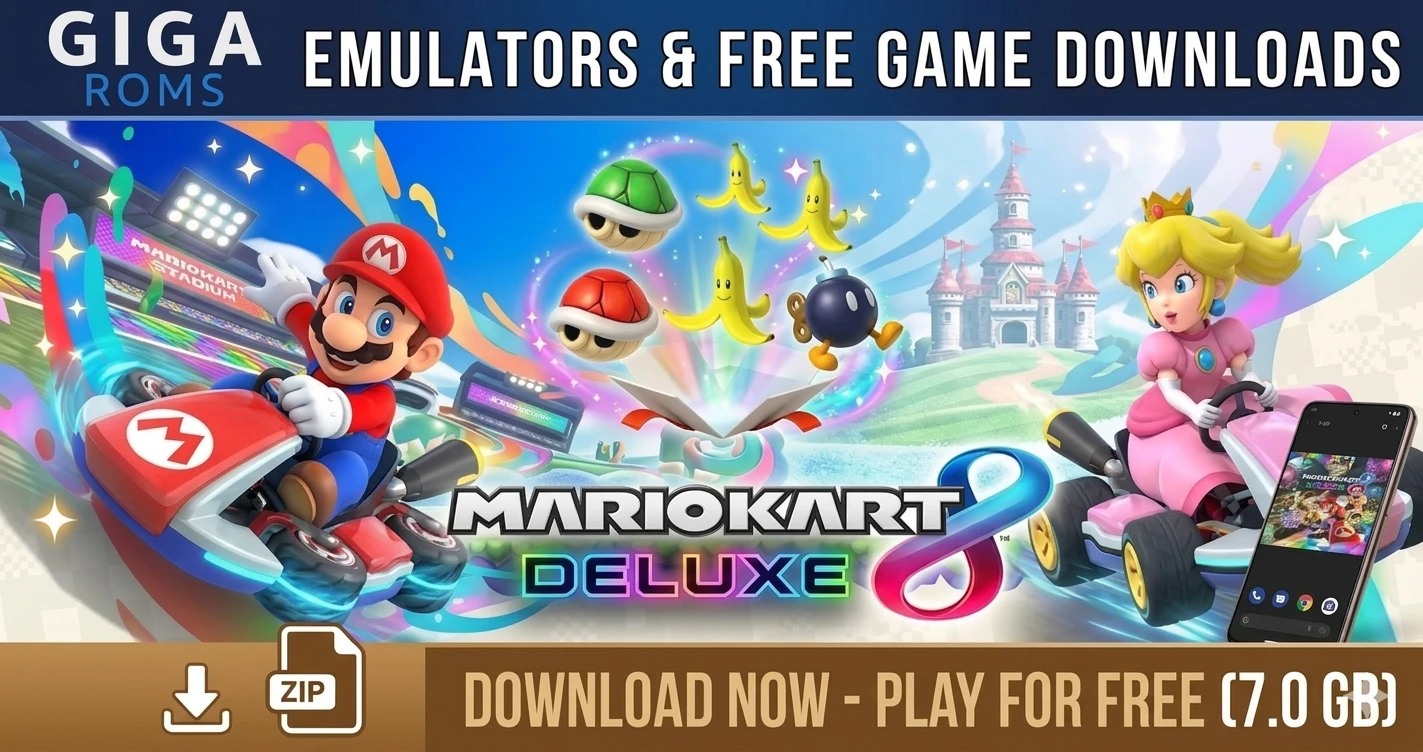

Mario Kart 8 Deluxe: The Ultimate Guide for PC and Mobile
Mario Kart 8 Deluxe is the premier racing experience. If you want to enjoy this title with top-tier resolution and smoothness on alternative hardware, you are in the right place. At GigaROM, we provide the files and the necessary setup.
1. Download Mario Kart 8 Deluxe
Get the ROM compatible with all current emulators:
-
ROM (NSP/XCI): Download Mario Kart 8 Deluxe
2. Compatible Emulators
For stable 60 FPS, we recommend these options:
-
Ryujinx: Download for Windows
3. Eden Emulator Setup
If you chose Eden for its high performance, follow these steps:
-
Installation: Always run the program as Administrator. Make sure to download the AMD64 version for standard Windows PCs.
-
Keys and Firmware: Load your
prod.keysfile at startup. For firmware, use the Tools > Install firmware option. -
Updates and DLC: If you have updates for Mario Kart, you must install them via the File > Install files to NAND menu.
-
Graphics: Select the Vulkan API in the emulation settings and ensure the emulator detects your dedicated graphics card to avoid frame drops.