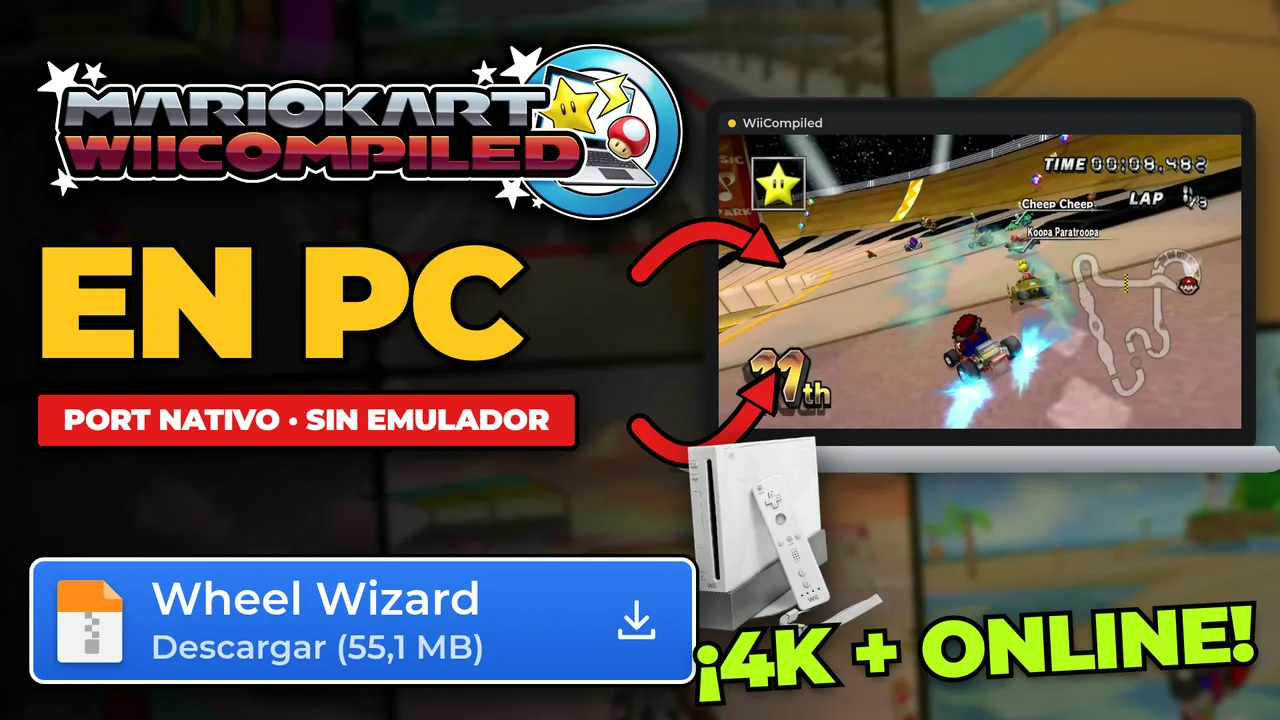

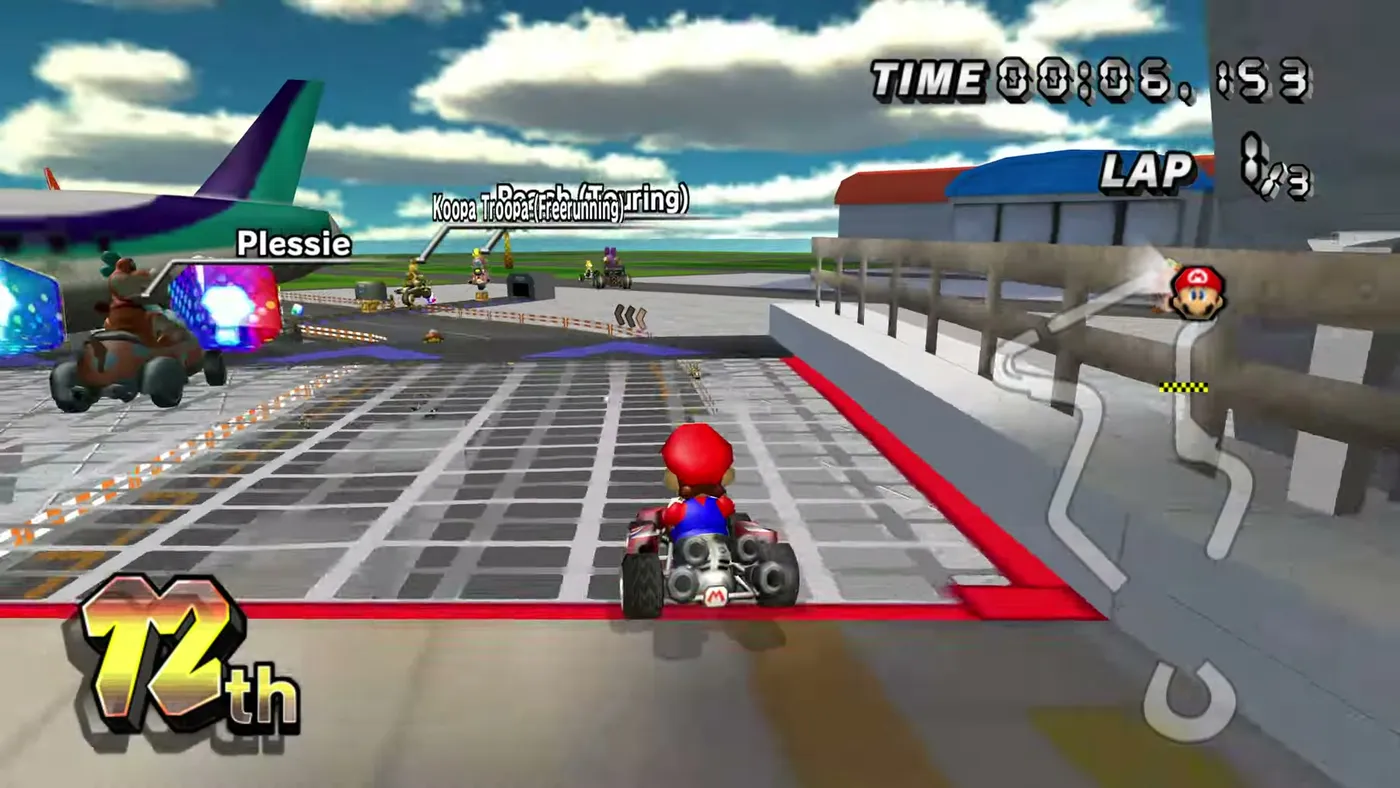
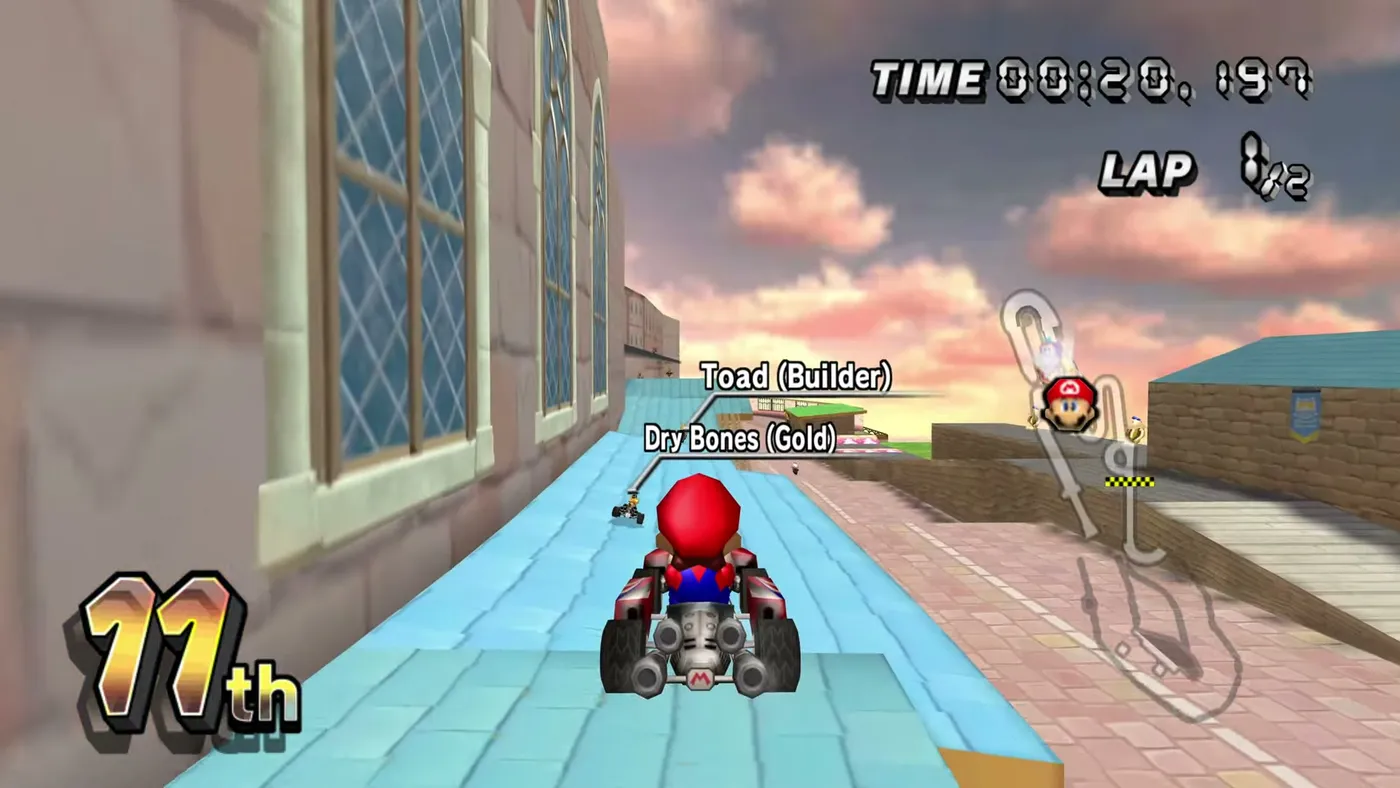
Mario Kart Wii came out in 2008 and had all of us turning the remote like a steering wheel. Today you can play it natively on PC: no emulator, at a much higher resolution than the console (the gameplay in this guide was recorded in 4K), smoother on 120 or 144 Hz monitors and with online play thanks to Retro Rewind. It is called WiiCompiled, and in this guide I explain what it is, how it works under the hood (in plain words) and how to install and play it step by step.
First things first: it is in beta. Everything should be playable, but compatibility, rendering, online play and performance are still being worked on. The good news: it is free, it is open source and it installs in a few clicks.
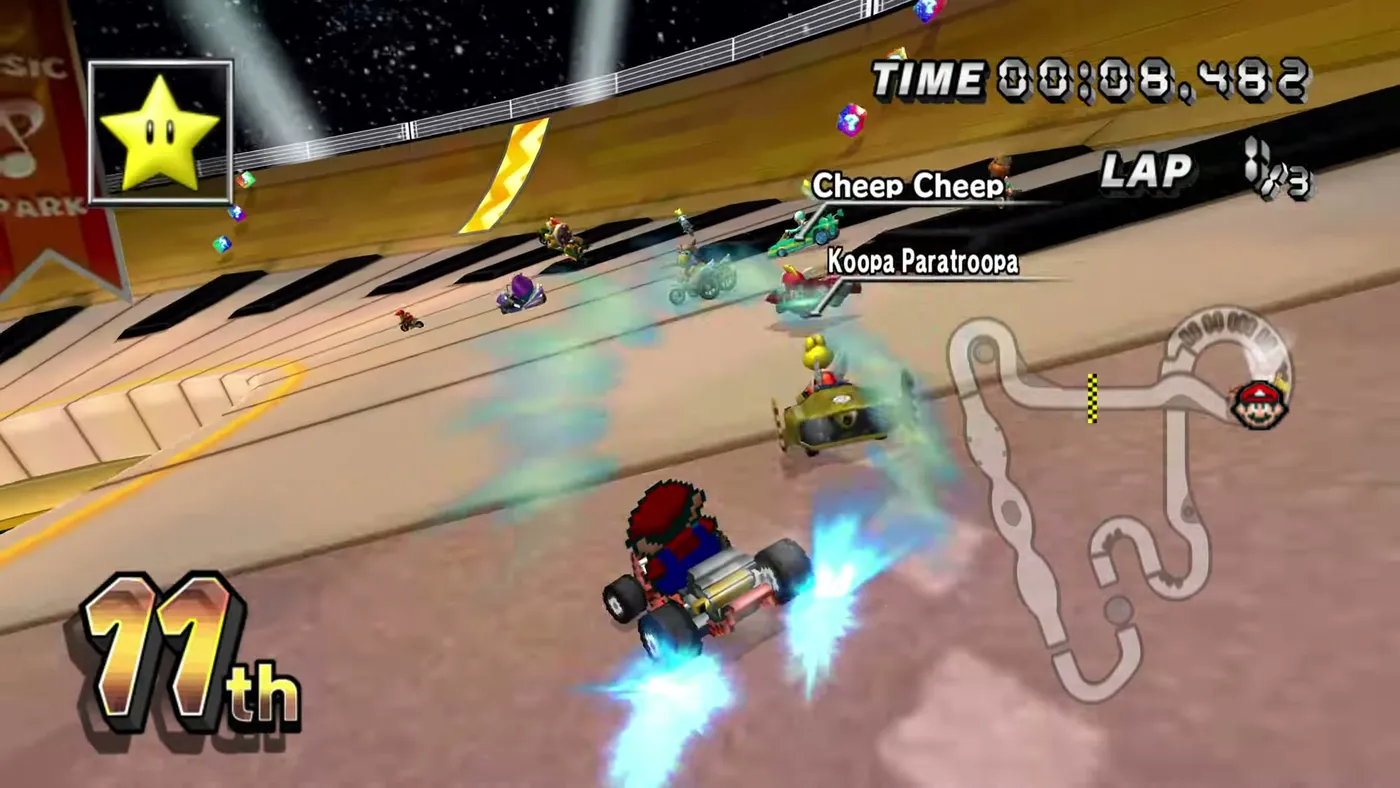
What is WiiCompiled?
WiiCompiled is a native PC port of Mario Kart Wii made with static recompilation. It is developed by patchzyy and contributors, and its code is open source under the GPLv3 license. It lives on the official GitHub.

What you should know from the start:
- It does not include the game. Neither the project nor its releases contain Nintendo code, assets or game data. The translation runs on your PC against your disc image, and nothing is uploaded anywhere.
- It is a fan project, not affiliated with Nintendo in any way. Mario Kart Wii is © Nintendo.
- The current version is v0.9.4, marked as Latest (November 10, 2026).
⚠ Watch out for copies and shady installers. There are other repos on GitHub also called "Wiicompiled". The official one is patchzyy's. And the README itself is very clear: if someone shares an installer through Discord or another website, don't touch it. Only download from the official Releases (or with Wheel Wizard, which I explain below).
Now the fun fact: the physics are 100% identical to the original, and they proved it with time trial ghosts. A ghost does not store the kart's positions, only the controller inputs. So if the same ghost finishes the same way on a real Wii, in Dolphin and in WiiCompiled, the physics match exactly.
Another thing the README says: AI coding tools were used during development, and all translated output is checked against the behavior of the real console.
How does it work? Emulator vs. static recompilation
This is the big question, so here it is in plain words.
An emulator translates while you play
The Wii has a PowerPC processor, different from your PC's, so your computer cannot understand its code as is. An emulator such as Dolphin acts as a real-time translator: it reads each console instruction, translates it and runs it, all while you play. That is why emulation needs so much power.
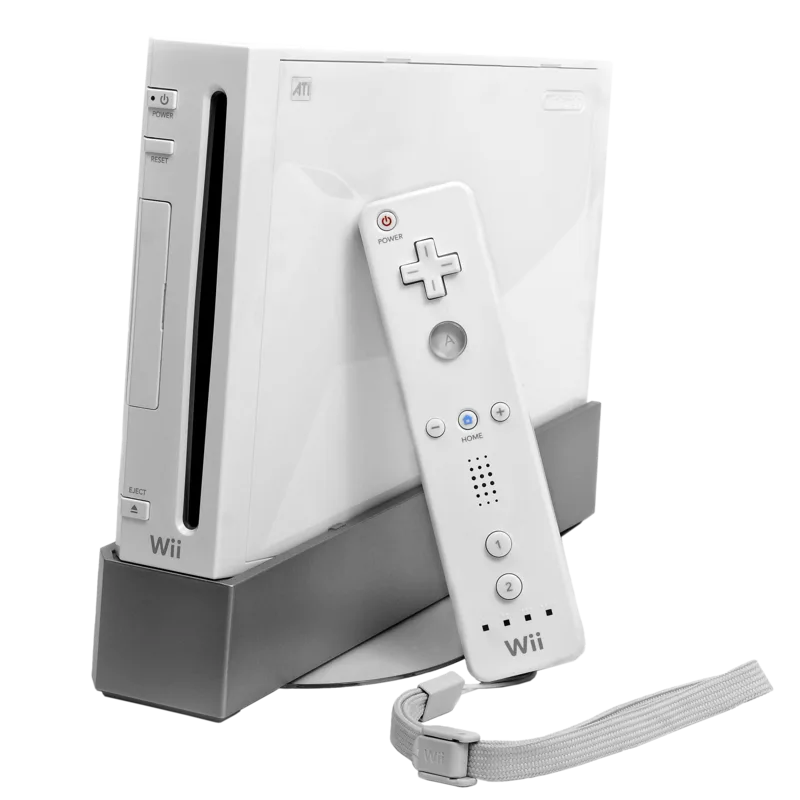
WiiCompiled translates only once, at install time
WiiCompiled does that work only once, during installation: it takes the PowerPC code from your copy (the main.dol and StaticR.rel files), translates it to C++ and compiles it on your PC. When you play, nothing is emulating the Wii: no interpreter, no JIT. Your processor runs native code.
What about the graphics?
The Wii's graphics chip is driven through an API called GX. WiiCompiled translates it with aurora, a GameCube and Wii compatibility layer that renders with DirectX 12 or Vulkan (and Metal on Mac).
Why does installation take so long?
Because the project does not distribute the already translated game: they would rather not take the risk. So the installation runs the translator over the whole game and then compiles the result with a C++ compiler. It is a one-time job on your PC.
What WiiCompiled offers
- Higher FPS with interpolated frames: the original is locked to 60 FPS, and on 120 or 144 Hz monitors it looks smoother. It is experimental and can show visual artifacts.
- Any aspect ratio: stretch the window however you like and the camera adjusts live.
- Internal resolution several times higher than the console's.
- In-game settings bar with F10: resolution, FPS counter, controllers for all 4 ports, button remapping, vibration, volume and mute.
- Dolphin-syntax input expressions, and you can import your
GCPadNew.ini. - Official GameCube adapter for Wii U/Switch (WUP-028). On Windows it needs the WinUSB driver once, just like in Dolphin.
- Real Wii Remote over Bluetooth, still without the IR pointer.
- "Music ducking": if you play music on Spotify or a YouTube video, the game mutes its own music while the other audio plays. It is optional.
- Retro Rewind, ZPL's mod distribution, built as its own executable: classic tracks and online play.
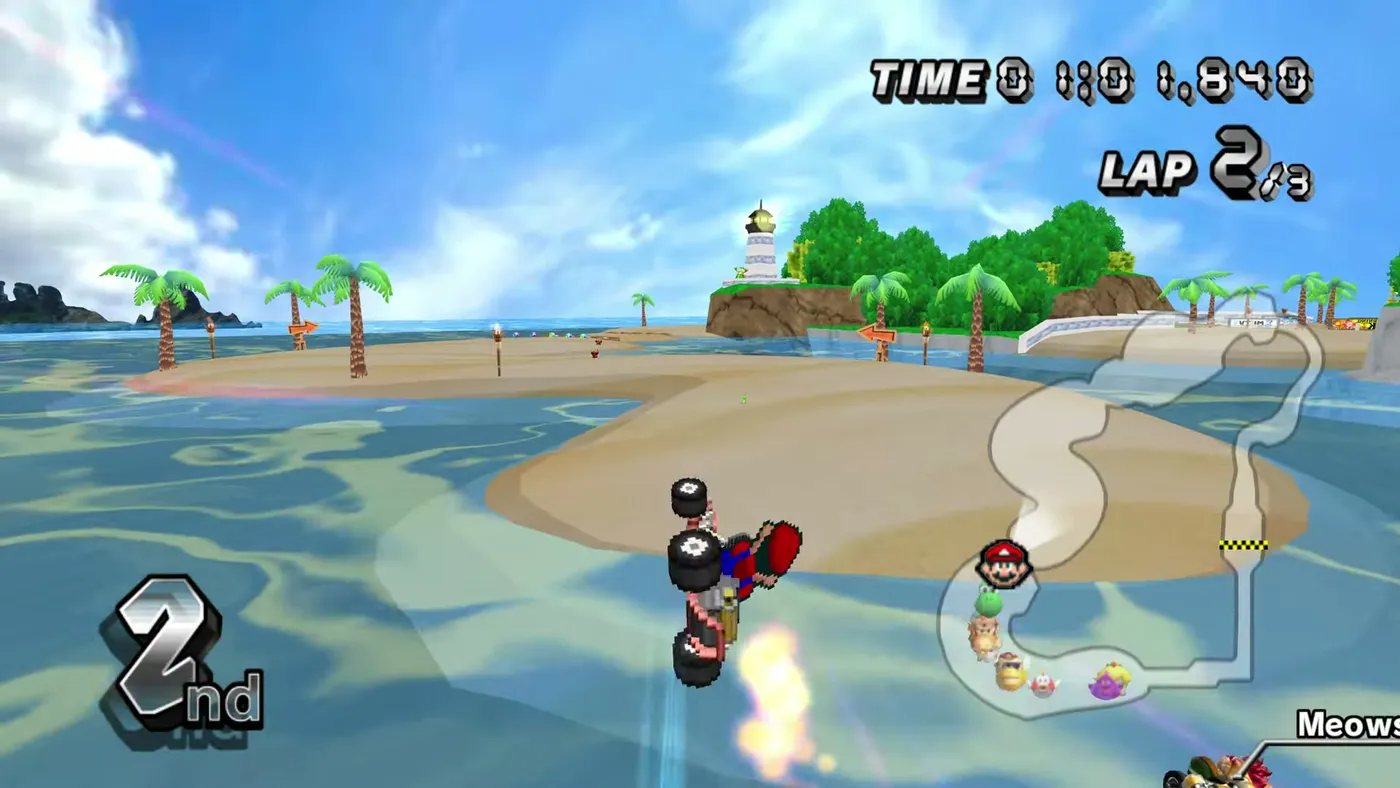
Requirements to play Mario Kart Wii on PC
| What | Requirement |
|---|---|
| The game | Your own copy, dumped from your own disc. Yours, of course. Wink, wink 😉 It must be a clean, unmodified image of the PAL (RMCP01), NTSC-U (RMCE01) or NTSC-J (RMCJ01) version. |
| Formats | ISO, GCM, GCZ, CISO, WBFS, WIA and RVZ |
| System | Windows 10 or 11, 64-bit. There are also versions for Linux (x64 and ARM64) and macOS |
| GPU | GTX 1650, RX 6400, Arc A310 or better |
| CPU | Intel Core i5-8400, AMD Ryzen 5 2600 or better |
| Disk | About 20 GB free during installation; the final game takes about 5 GB |
Two things to keep in mind. The Korean version (NTSC-K) and modified images are rejected. And the minimum GPU and CPU are set by driver support and DirectX 12/Vulkan, not by what the game itself needs.
How to dump your disc image is outside the scope of this guide. The README says it too: nobody there will tell you where to get the game.
How to install Mario Kart Wii natively on PC, step by step
The easy way is with Wheel Wizard, the launcher WiiCompiled itself recommends. It is made by patchzyy and WantToBeeMe (GPLv3) and it downloads, installs, updates and launches WiiCompiled for you. These steps are for Windows.
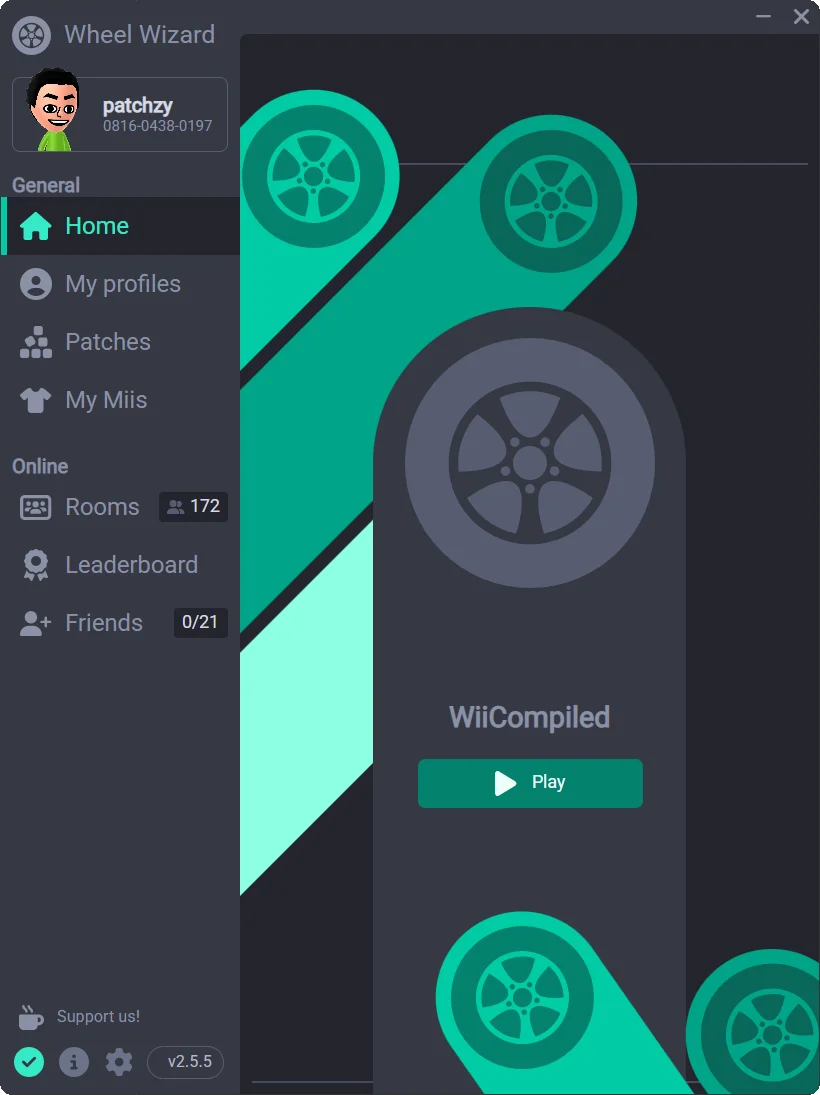
Step 1: download Wheel Wizard from the official GitHub
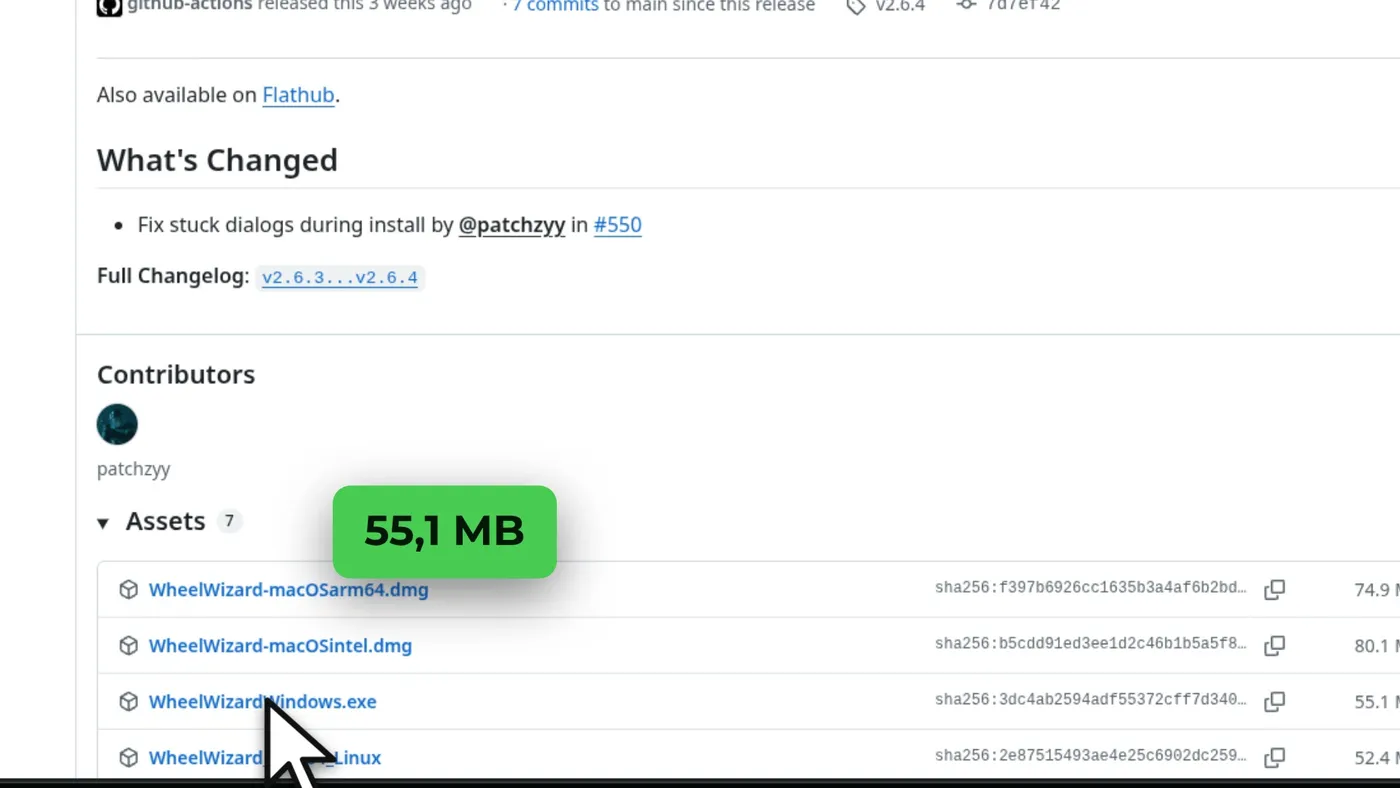
Go to the WiiCompiled GitHub and click the "What is a github, I just want to play" link, or go straight to the Wheel Wizard Releases. In version v2.6.4 (Latest), download WheelWizardWindows.exe (55.1 MB).
WheelWizardWindows.exe in the v2.6.4 Assets.Step 2: open it
Open WheelWizardWindows.exe. If Windows or your antivirus warns you, the Wheel Wizard README explains it is a known false positive. If the blue Windows SmartScreen warning appears, click More info → Run anyway. Do it only if you downloaded it from the official GitHub.
Step 3: choose your game image
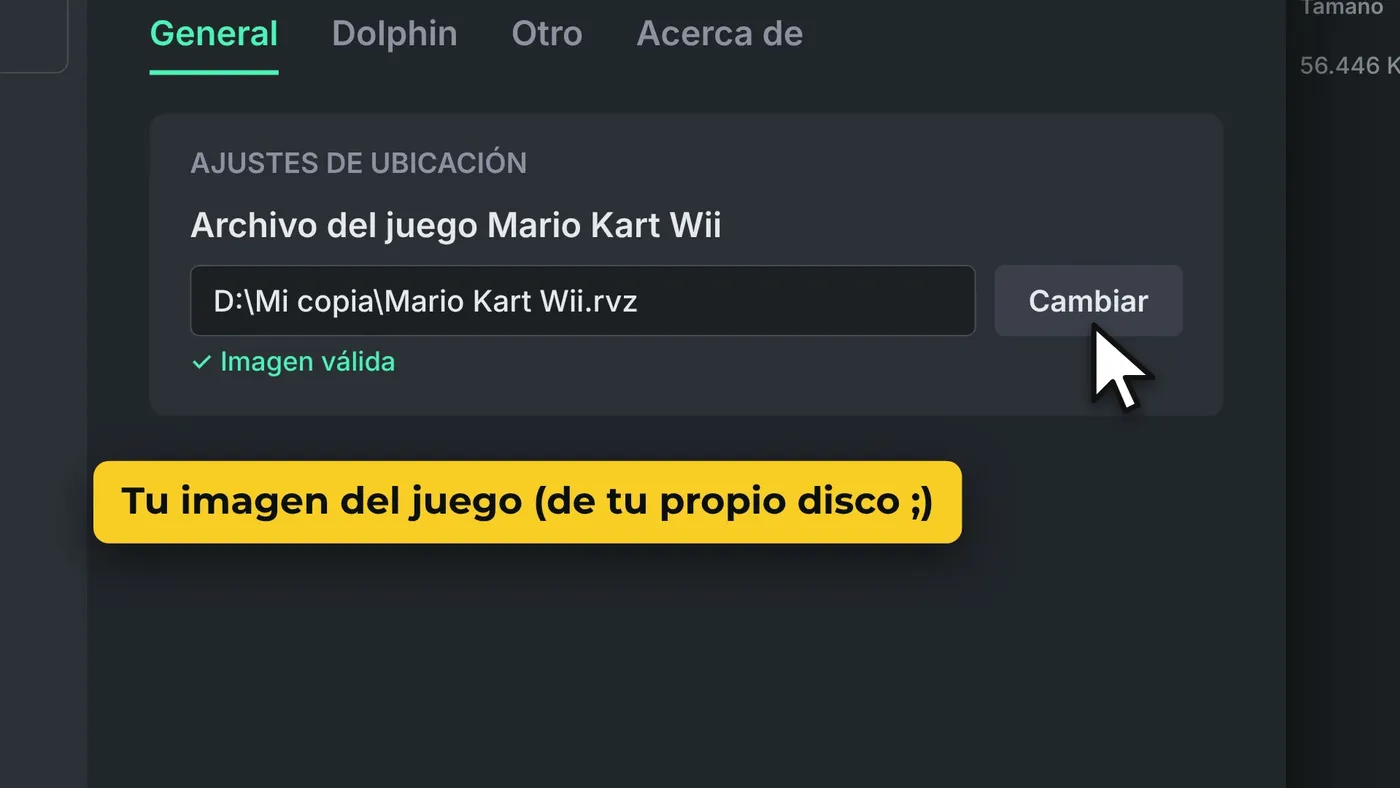
In Wheel Wizard, go to Settings → Location Settings → "Mario Kart Wii Game File" → Change, and pick your image. If it is valid, you will see it below.
Step 4: turn on WiiCompiled
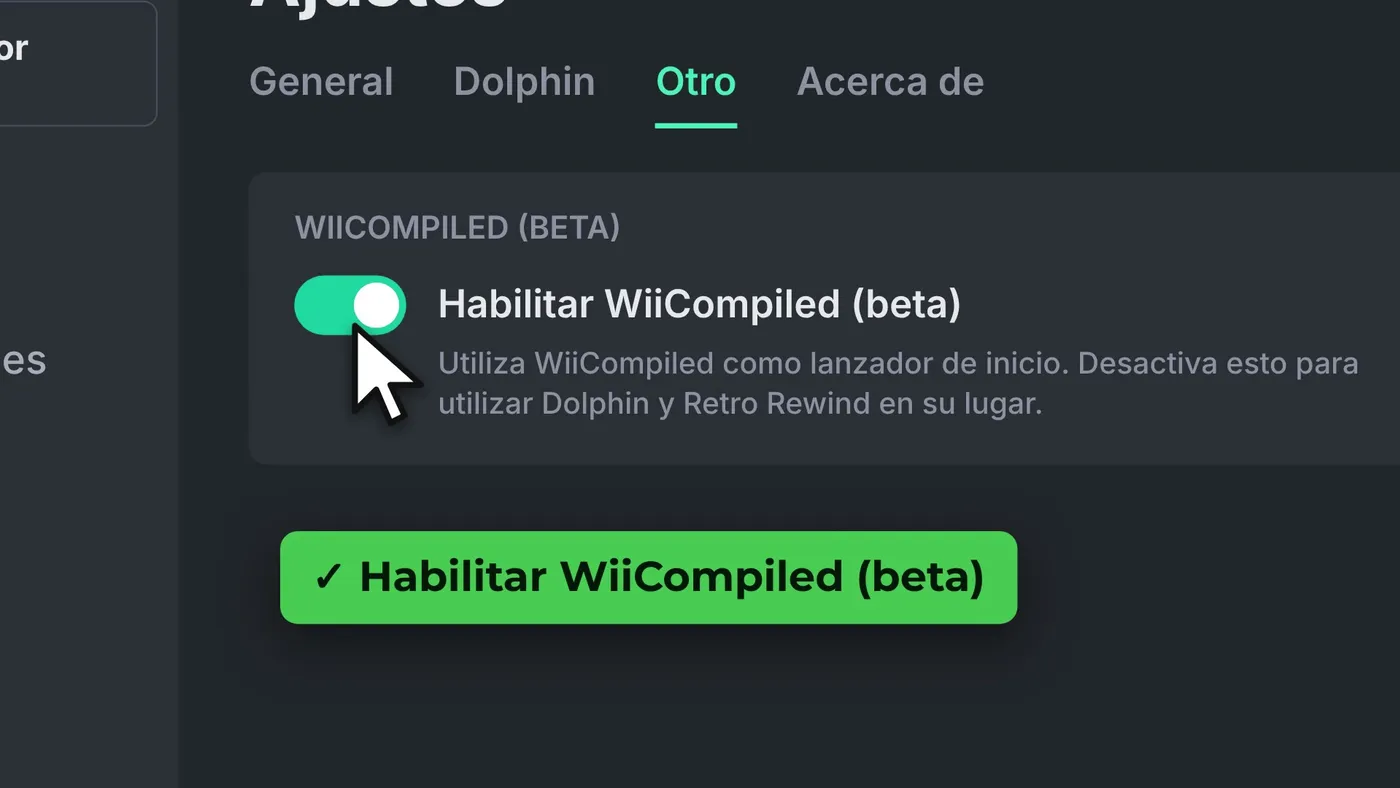
In Settings → Other, turn on "Enable WiiCompiled (beta)". With that, Wheel Wizard uses WiiCompiled to launch the game instead of Dolphin.
Step 5: click Install and wait (first time only)
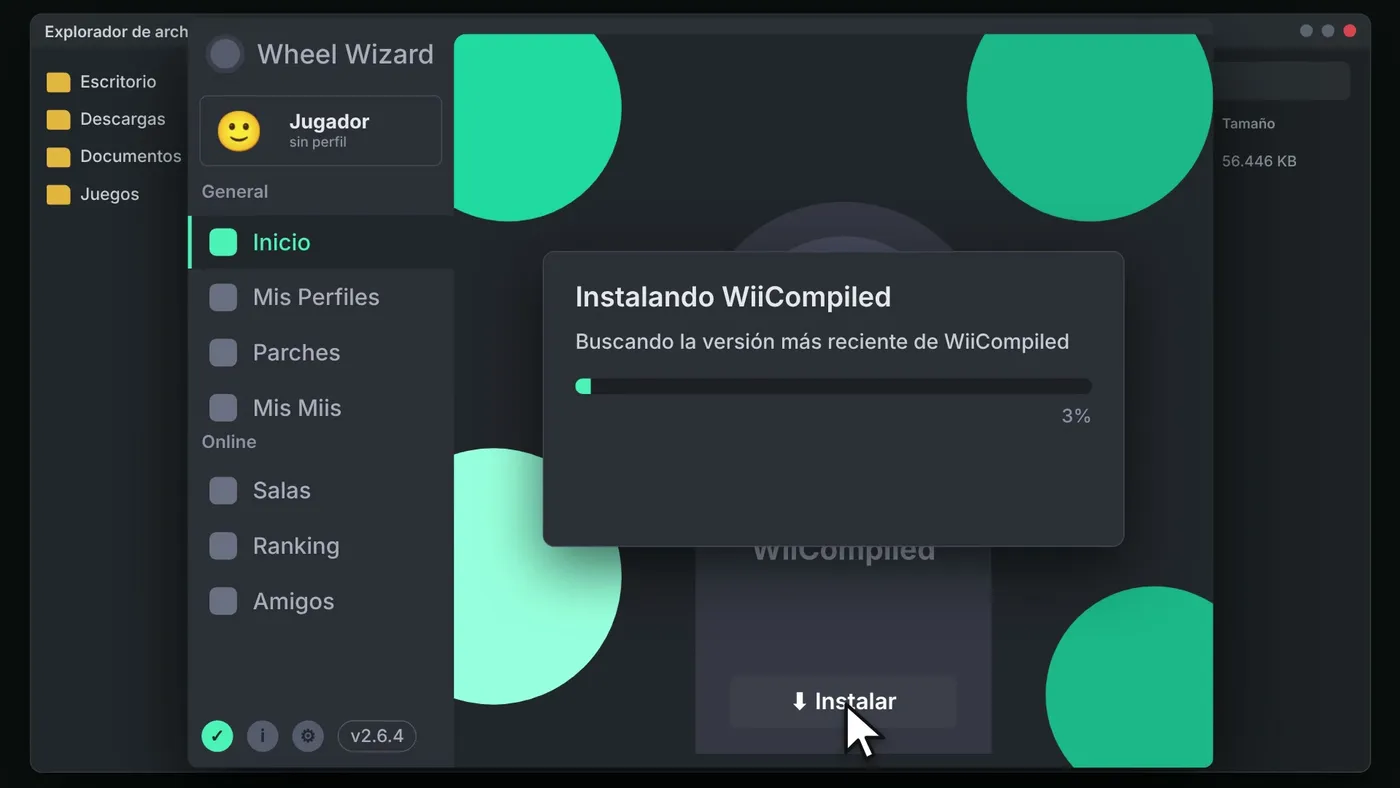
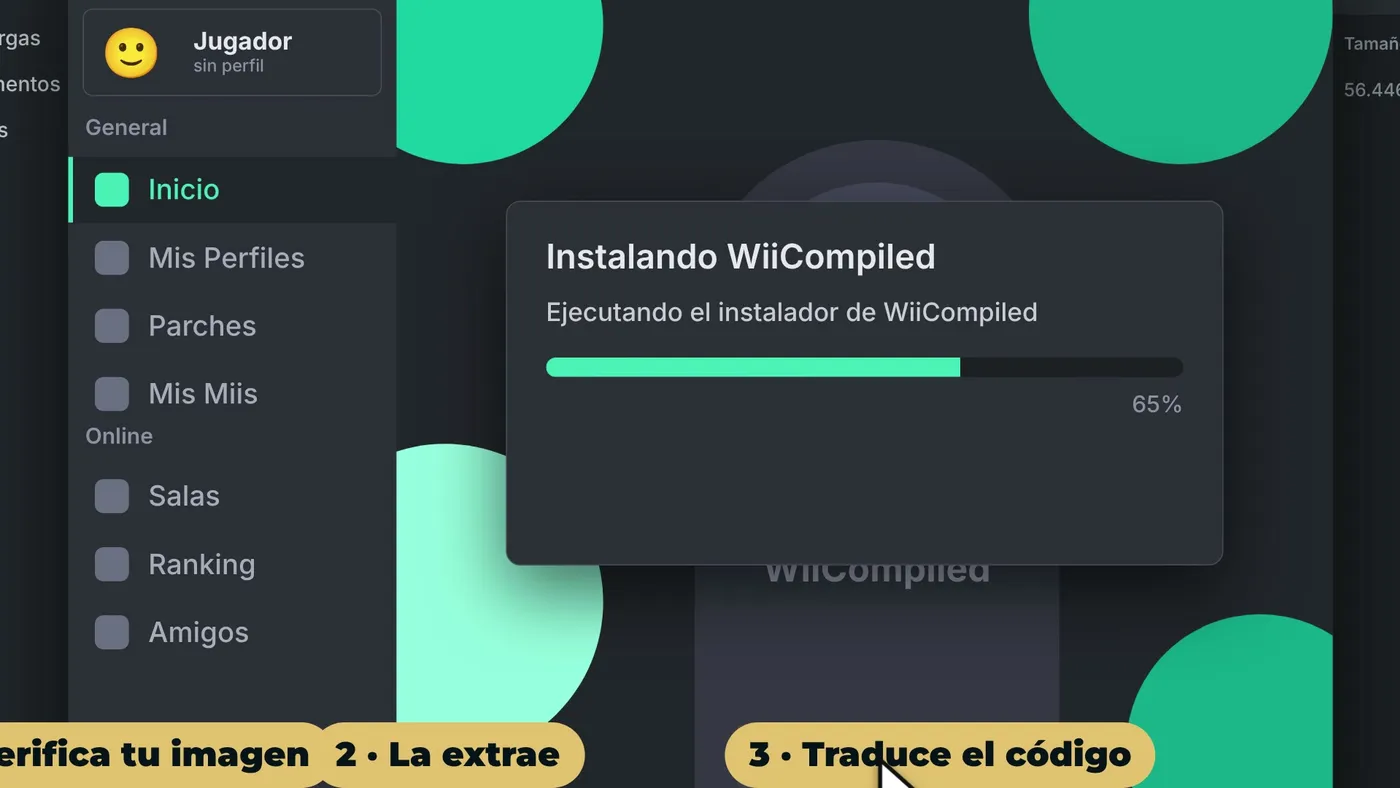
Go back to Home and click Install. Wheel Wizard downloads the WiiCompiled setup, and the setup verifies your image, extracts it, translates the code and compiles it on your PC. It takes a good while and it only happens once.
Step 6: click Play
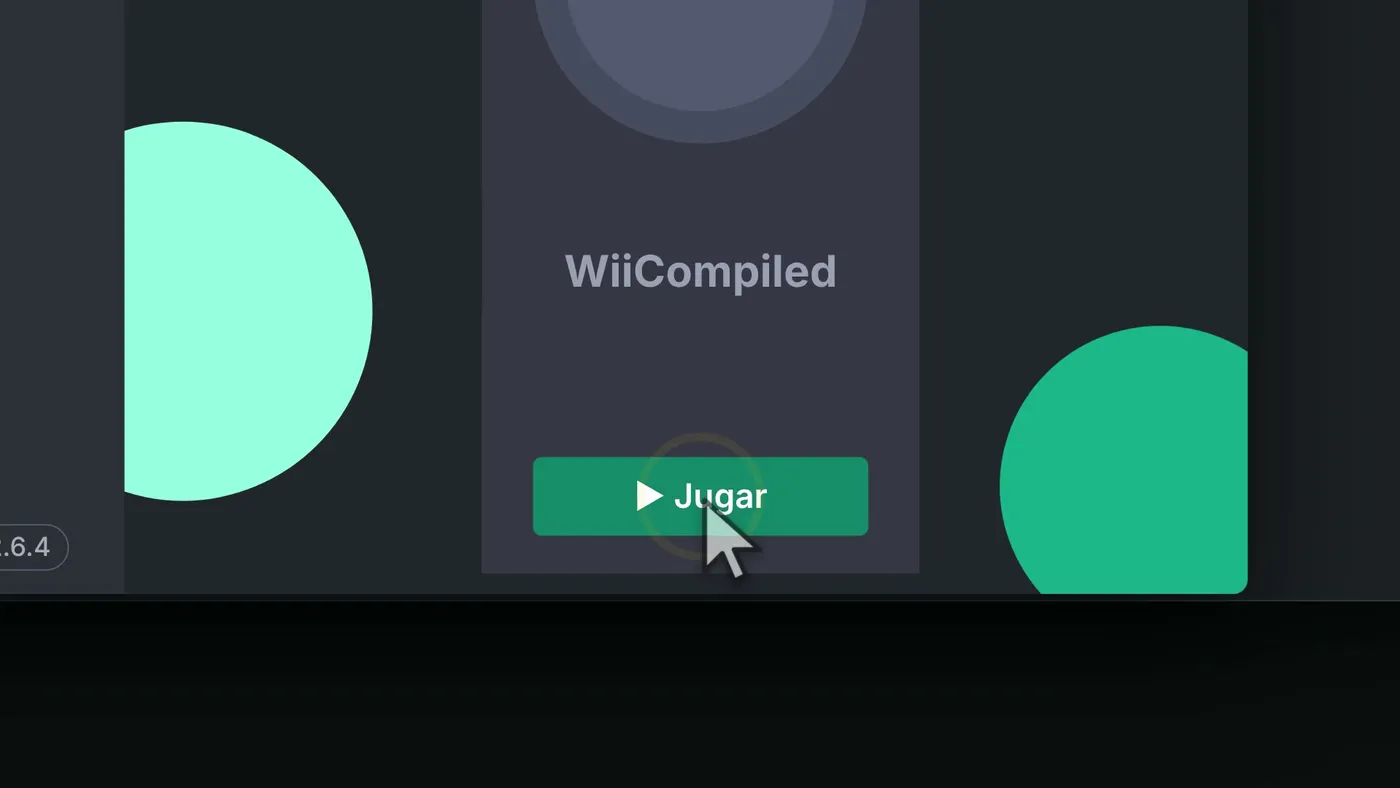
When "WiiCompiled is ready to play" appears, click Play. In game, F10 opens the settings bar, and everything you change is saved to Config.toml.
What about Linux or Mac?
On Linux you also use Wheel Wizard, which is on Flathub. On Mac you use WiiCompiled-Setup.pkg from the WiiCompiled Releases.
How to update WiiCompiled
Nothing complicated: when a new version comes out, Wheel Wizard lets you know and shows the Update button. Wheel Wizard also tells you when there is a new version of itself.
Common problems and how to fix them
These fixes come from the official WiiCompiled and Wheel Wizard documentation.
It rejects your game
It only accepts clean PAL, NTSC-U and NTSC-J versions. The Korean version (NTSC-K) and patched images do not work: translating them against the wrong data would give a game broken in ways that are very hard to debug.
Stutter while playing
In Wheel Wizard's WiiCompiled settings, turn on "Prevent stutters" and set the Graphics API to DirectX 12 or Vulkan. According to Wheel Wizard, they are the only ones that run WiiCompiled reliably.
The antivirus deletes Wheel Wizard
It is a known false positive, and the Wheel Wizard README explains it. Only download it from the official GitHub and, if needed, add an exception in your antivirus.
It closes with an error
WiiCompiled shows errors on purpose instead of hiding them. Find the log in %LOCALAPPDATA%\WiiCompiled\Logs and open an issue on the official GitHub with that file.
Visual glitches when raising the FPS
Frame interpolation is experimental. If you see weird things, turn it off.
Frequently asked questions about Mario Kart Wii on PC
Is WiiCompiled legal?
WiiCompiled is an open source fan project (GPLv3) and contains nothing from Nintendo. Mario Kart Wii is © Nintendo and you must provide your own copy. What is allowed when dumping your disc image depends on your country and is your responsibility. I am not a lawyer: check the laws where you live.
Which version of the game do I need?
A clean image of the European (PAL, RMCP01), American (NTSC-U, RMCE01) or Japanese (NTSC-J, RMCJ01) version. The Korean one does not work.
Does it have online play?
Yes, with Retro Rewind, ZPL's mod distribution. WiiCompiled builds it as its own executable, and Wheel Wizard takes care of everything. More information on the Retro Rewind wiki.
Does it work on Linux or Steam Deck?
On Linux, yes: Wheel Wizard is on Flathub and WiiCompiled has Linux x64 and ARM64 versions. The Steam Deck runs Linux, but neither project lists it as tested, so treat it as a "maybe" until they confirm it.
Can I use a Wii Remote or a GameCube controller?
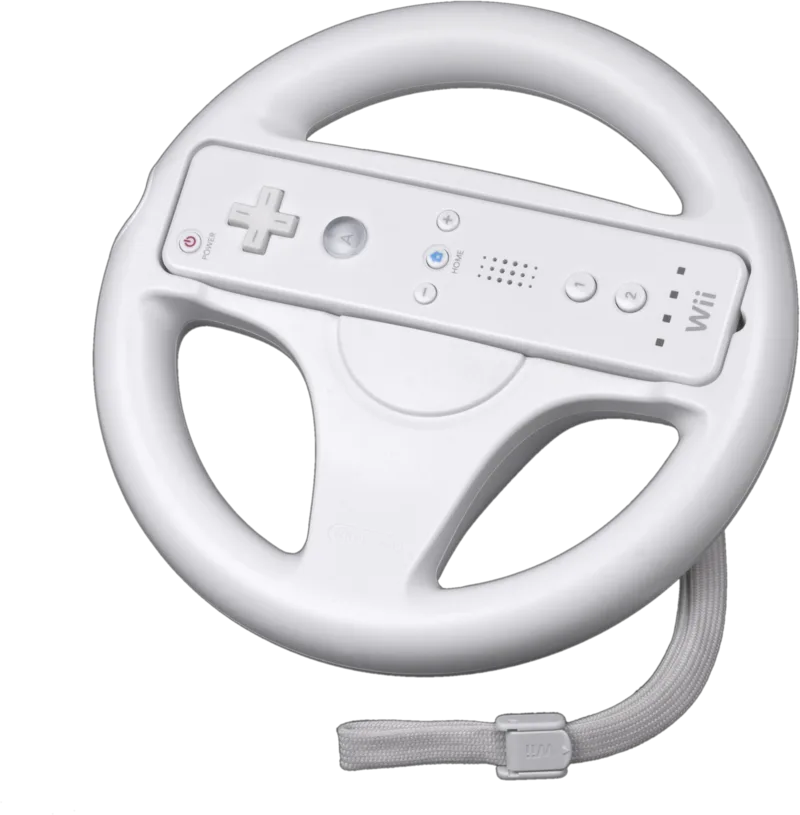
Yes. The Wii Remote works over Bluetooth, although still without the IR pointer: menus are navigated with the D-pad and A. And the official GameCube adapter (WUP-028) works too, with the WinUSB driver on Windows.
Is it an emulator like Dolphin?
No. The physics are identical to the Wii and to Dolphin, but WiiCompiled is native code: nothing emulates the console while you play. If you would rather emulate, GigaROM has Dolphin, the WiiCompiled port page and more native PC ports.
Conclusion
Seeing Mario Kart Wii running natively on PC, with the console's exact physics, more resolution and even online play, is one of the best things to happen to this classic. It is in beta, so be patient with the bugs, but with Wheel Wizard it installs in a few clicks. If you try it, let me know how it goes.
If you like guides about native PC ports, subscribe to my YouTube channel: I cover them as they come out.
Official links and credits
- WiiCompiled (official GitHub): github.com/patchzyy/Wiicompiled
- Version used: WiiCompiled v0.9.4
- Wheel Wizard (official GitHub): github.com/TeamWheelWizard/WheelWizard
- Retro Rewind (information): wiki.tockdom.com/wiki/Retro_Rewind
- Credits: patchzyy and contributors (WiiCompiled), patchzyy and WantToBeeMe (Wheel Wizard), ZPL and team (Retro Rewind), inkwreck (WiiCompiled logo), encounter (aurora), ALL GAMEPLAY (gameplay), Nintendo (game and trailer) and Evan-Amos (photos, public domain).
Disclaimer: WiiCompiled is a fan project, not affiliated with Nintendo. Mario Kart Wii is © Nintendo. GigaROM does not host the game or any game files, and this guide does not explain how to obtain them.