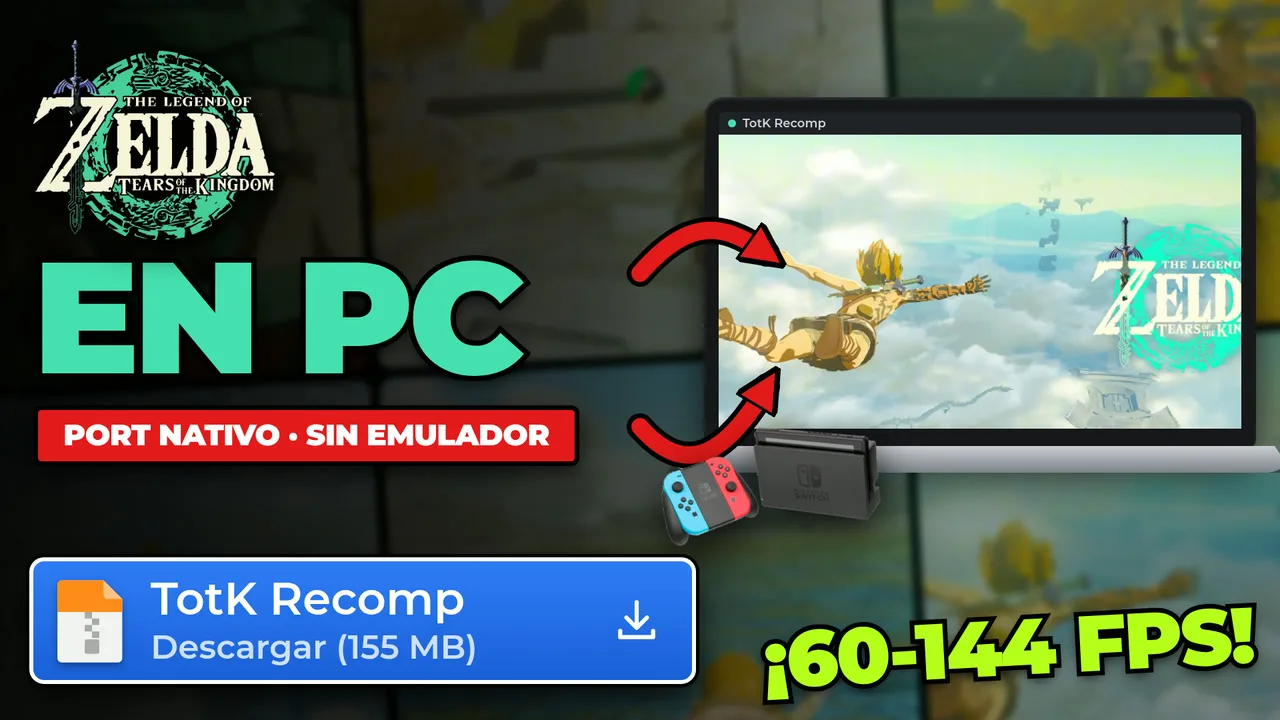

The Legend of Zelda: Tears of the Kingdom came out in May 2023 on Nintendo Switch and sent us up into the skies of Hyrule. Today you can play it natively on PC: no emulator, at 60 FPS out of the box (and up to 144 in experimental mode), with DLSS, mods and keyboard and mouse. It is called TotK Recomp, and in this guide I explain what it is, how it works under the hood (in plain words) and how to install and play it step by step.
First things first: it is in early development. It is playable on Windows and Linux, but it still has visual bugs and the odd crash. The good news: it is free, it is open source and a new version comes out every few days.
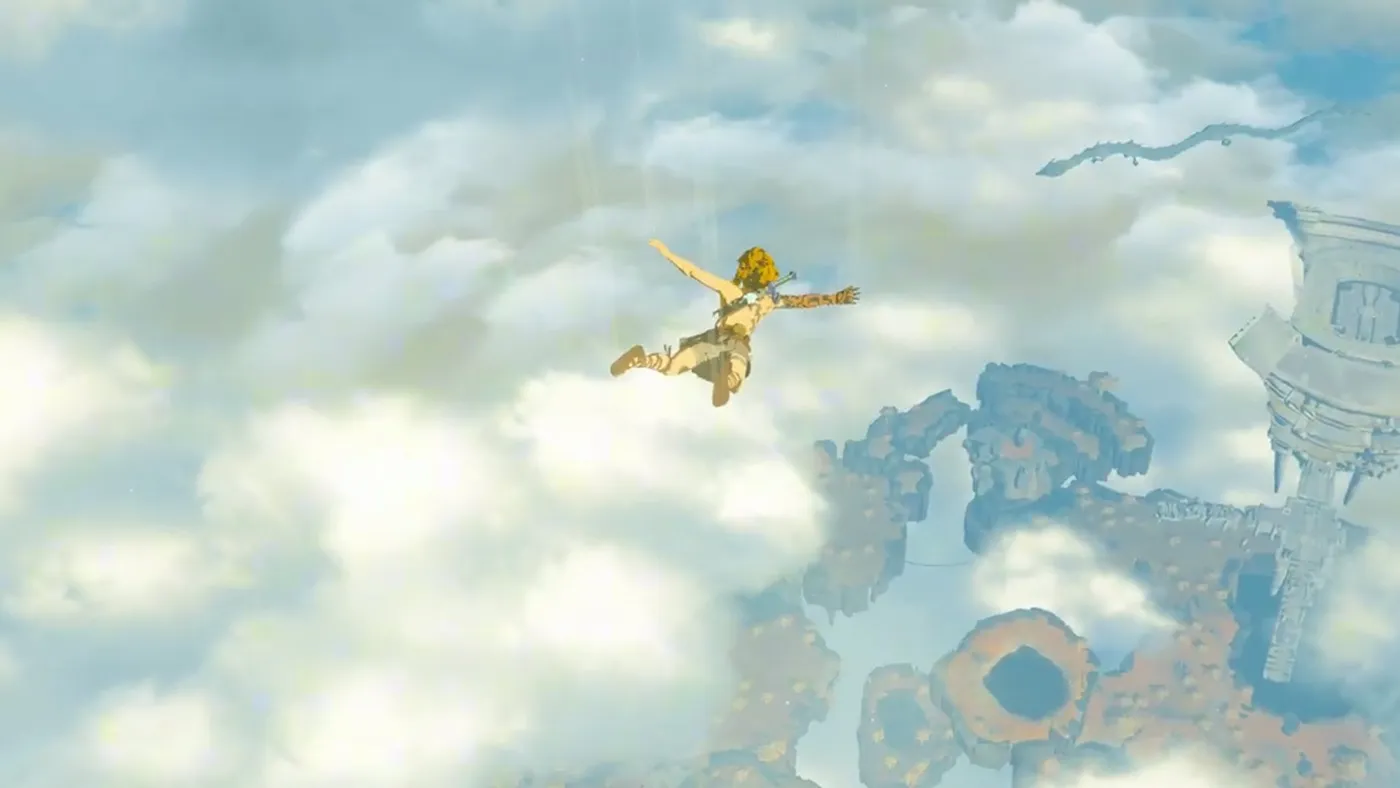
What is TotK Recomp?
TotK Recomp is a static recompilation of Tears of the Kingdom for Windows and Linux (x86-64), with Vulkan graphics. It is developed by valentderah and contributors, and its code is open source under the MIT license. It lives on the official GitHub.
What you should know from the start:
- It does not include the game. You provide your files and the setup does the rest on your PC.
- The folder it builds contains the game, so it is for your own use only: do not share or upload it.
- It is a fan project, independent and non-commercial, not affiliated with Nintendo in any way. The Legend of Zelda: Tears of the Kingdom is © Nintendo.
- The current version is v0.4.0, marked as Latest (November 10, 2026).
⚠ Watch out for copies of the repository. There are repos on GitHub with the same name, totk-pc-recomp, uploaded by other accounts. The only official one is valentderah's. Download it only from there: it is free and you do not need any other website.
A fun fact from its own README: most of the code is written by AI agents (Claude Code) directed by the author, who plays every build and decides what goes in. The project also builds on other community work, including Savage Wind, the Breath of the Wild port.
How does it work? Emulator vs. static recompilation
This is the big question, so here it is in plain words.
An emulator translates while you play
The Switch has a different processor from your PC, so your computer cannot understand its code as is. An emulator acts as a real-time translator: it reads each console instruction, translates it and runs it, all while you play. That is why emulation needs so much power.
TotK Recomp translates only once, at install time
TotK Recomp does that work only once, in the setup: it converts the Switch code into C code, function by function, and compiles it (with a bundled LLVM compiler) into a regular PC program: totk.exe. When you play, your processor runs native code, not a live translation.
What about the graphics?
The game "talks" to the Switch GPU through an API called NVN. TotK Recomp translates it to Vulkan, and it also prepares the shaders during installation, so there is no stutter while you play.
Everything is built on your PC
The result is created on your computer from your copy. The project does not distribute the game or the generated code: only its own program. That is why the final folder is for you and is not shared.
What TotK Recomp offers
- 60 FPS by default, and up to 144 FPS or your monitor's refresh rate (experimental).
- Custom resolutions (1080p, 2K…), supersampling and AMD FSR 1 upscaling.
- NVIDIA DLSS and DLAA on RTX cards: if you have one, the setup downloads
nvngx_dlss.dllfrom NVIDIA's official repository (you can untick it). - HDR10, with brightness settings.
- 21:9 and 32:9 ultrawide screens, plus 16:10 (Steam Deck and handhelds) or 3:2, with the camera and interface adapted.
- Anisotropic filtering up to 16x, so the ground stays sharp into the distance.
- In-game settings menu (F1) and performance overlay (F10).
- Keyboard, mouse and gamepad, with remapping, rumble and gyro, and Xbox button prompts.
- Stereo or 5.1 sound.
- Mods made for emulators, including HD texture packs, and cheats.
- Saves from versions 1.2.1 and 1.4.3 work on both.
Note: the program allowing 144 FPS does not mean your PC will reach it. And the author warns that DLSS and the Linux build are tested by the community, because the author does not have that hardware.
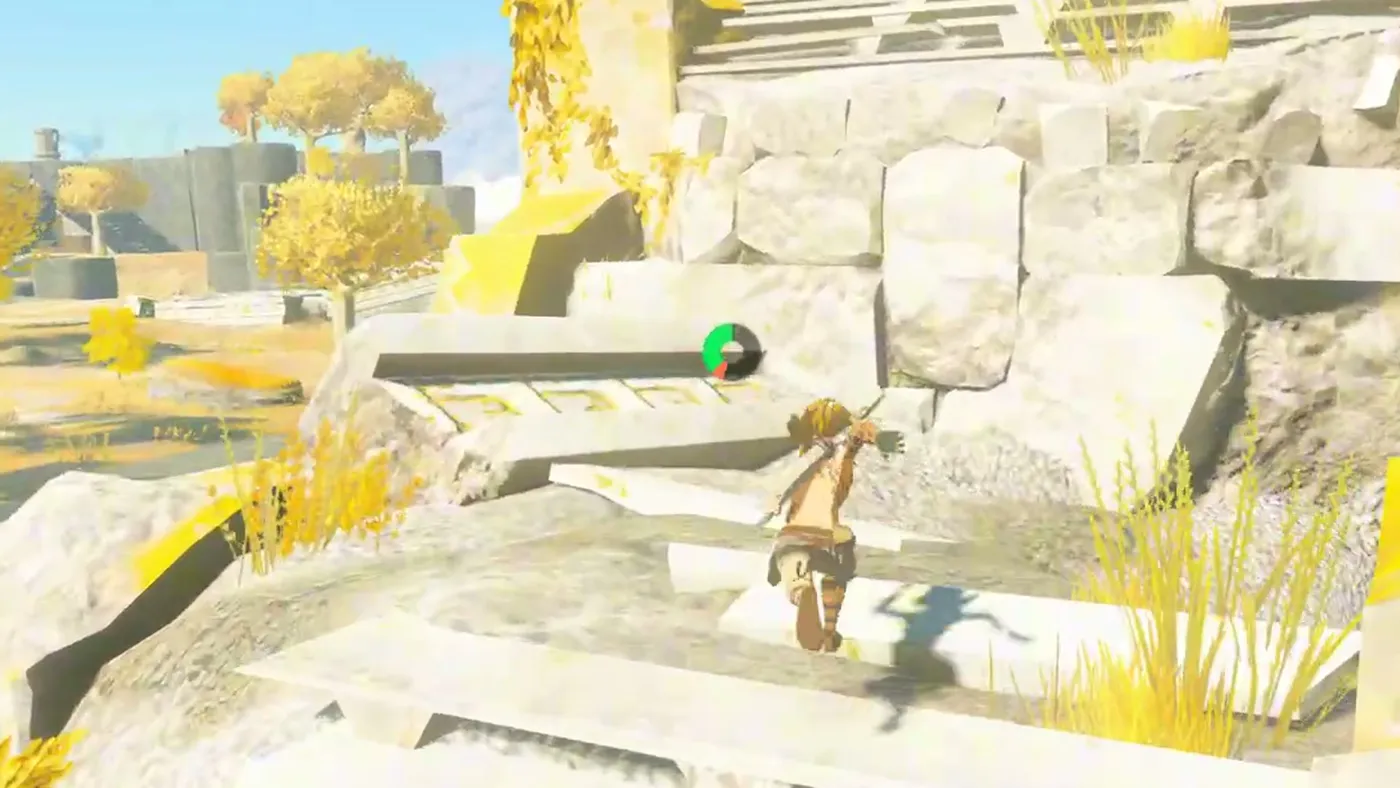
Requirements to play Zelda Tears of the Kingdom on PC
| What | Requirement |
|---|---|
| The game | Your own copy: the base game and one update (1.1.0, 1.2.1 or 1.4.3), dumped from your own Switch. Yours, of course. Wink, wink 😉 |
| System | Windows 10 or later, or Linux 6.7+ with glibc 2.34+ (for example Ubuntu 22.04, Debian 12 or SteamOS 3) |
| CPU | x86-64 with SSE4.2 (CPUs with AVX2/FMA get a faster build) |
| GPU | With Vulkan 1.3 (and the VK_EXT_external_memory_host extension) |
| Disk | About 36 GB free during setup (20 GB after) |
Besides the game, the setup asks for the other things it needs from your console. How to get those files is outside the scope of this guide and of the project: neither TotK Recomp nor I explain it.
How to install Zelda Tears of the Kingdom natively on PC, step by step
These steps are for Windows. On Linux or Steam Deck, download the .AppImage file (TotK-Setup-x86_64-0.4.0-linux.AppImage, 220 MB), make it executable and open it. On the Steam Deck, do it in Desktop Mode.
Step 1: download TotK Recomp from the official GitHub
Go to valentderah's GitHub → Releases → v0.4.0 (Latest). In the Assets list, download TotK-Setup-0.4.0-windows.zip (155 MB).
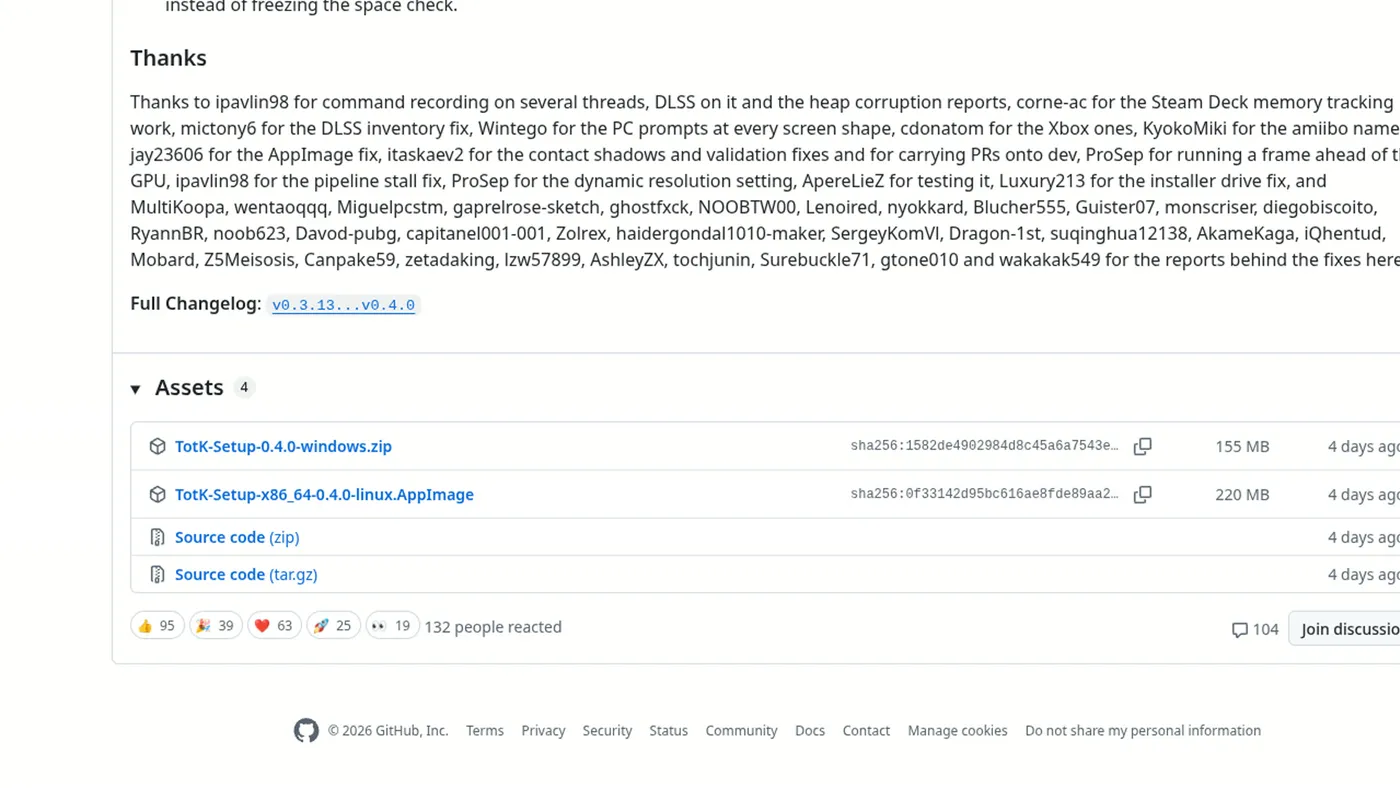
TotK-Setup-0.4.0-windows.zip file in the release Assets.Step 2: extract the ZIP into a folder of your own
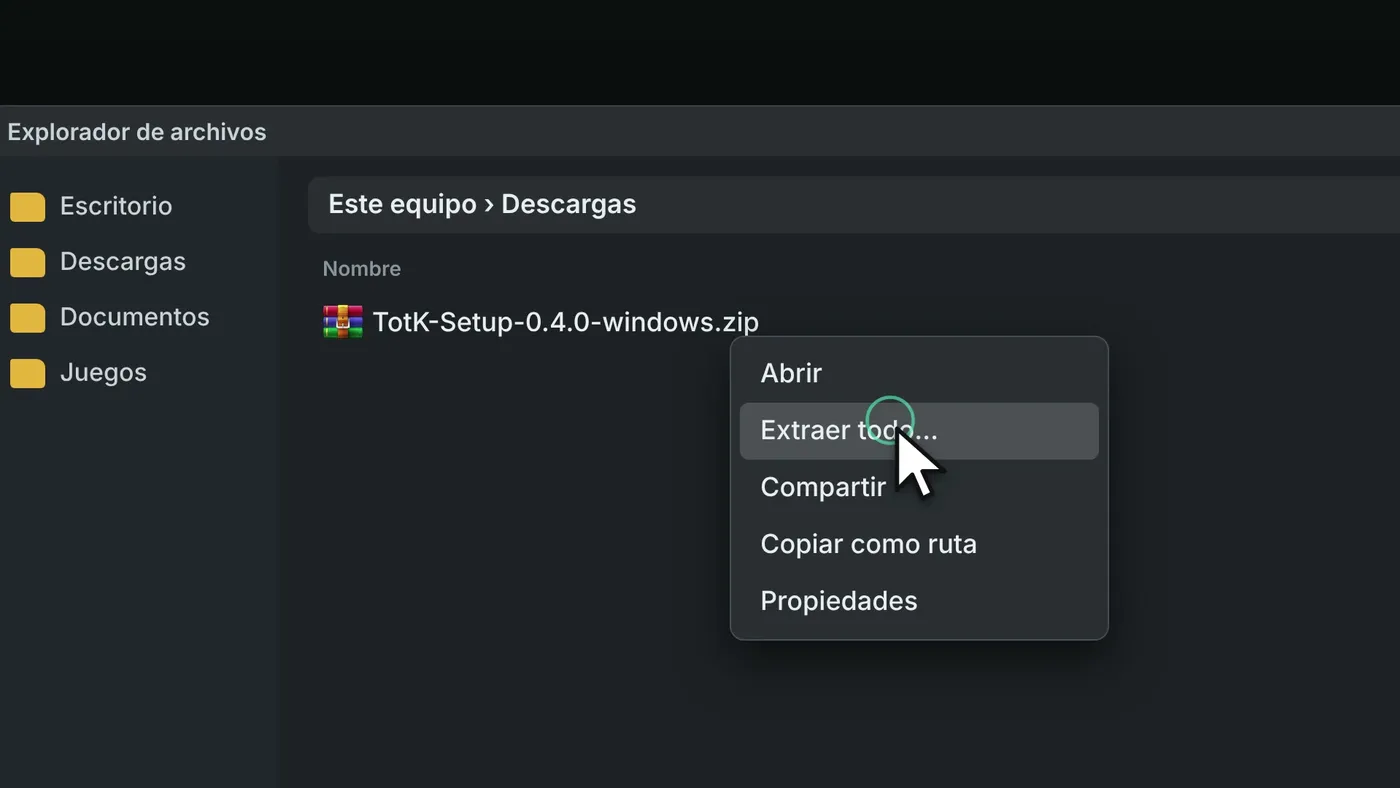
Right-click the ZIP → Extract All → choose a folder such as C:\Games. Never in "Program Files".
Step 3: open TotK-Setup.exe
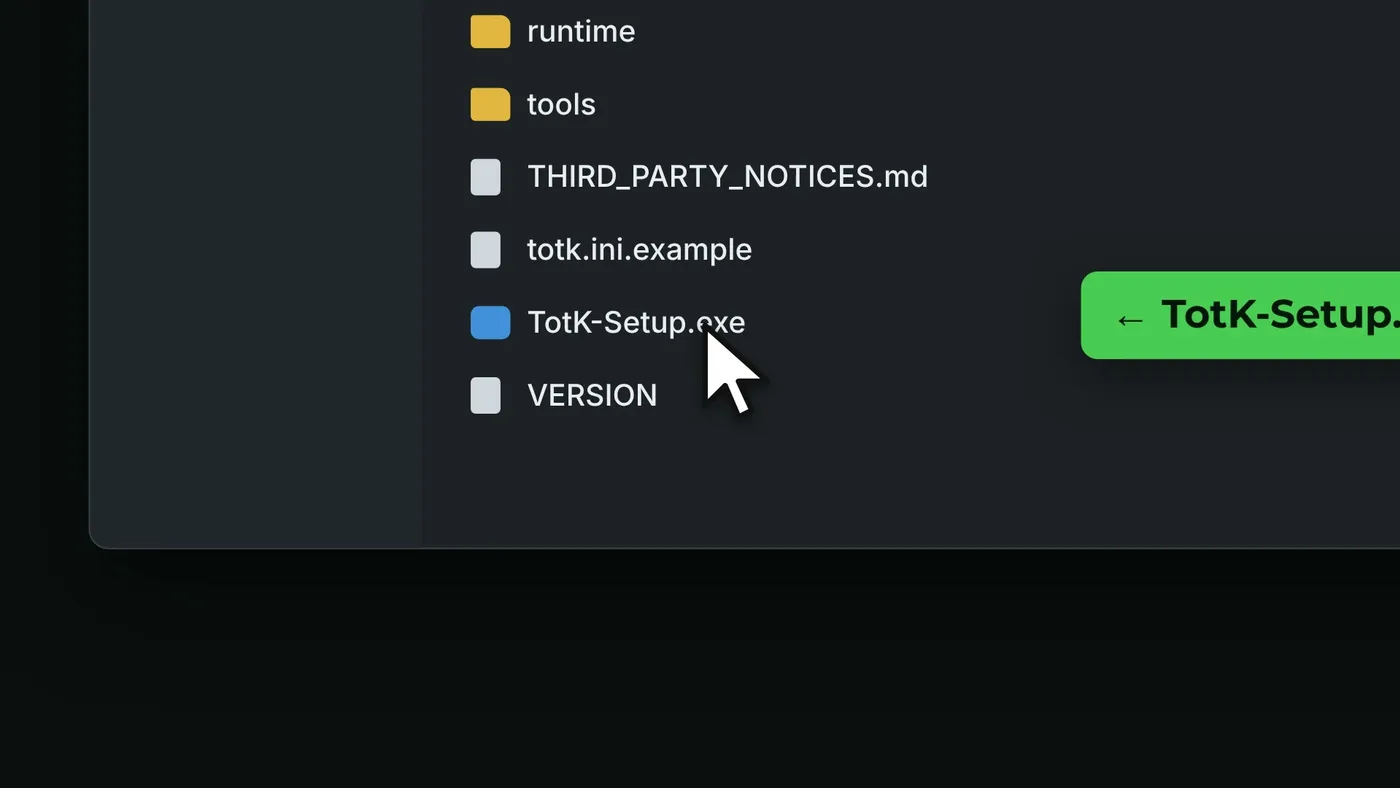
Inside the extracted folder, open TotK-Setup.exe. If Windows SmartScreen warns you that the app is not signed, click More info → Run anyway. The README itself says so, but do it only if you downloaded it from the official GitHub.
TotK-Setup.exe.Step 4: choose your files, the language and an empty folder
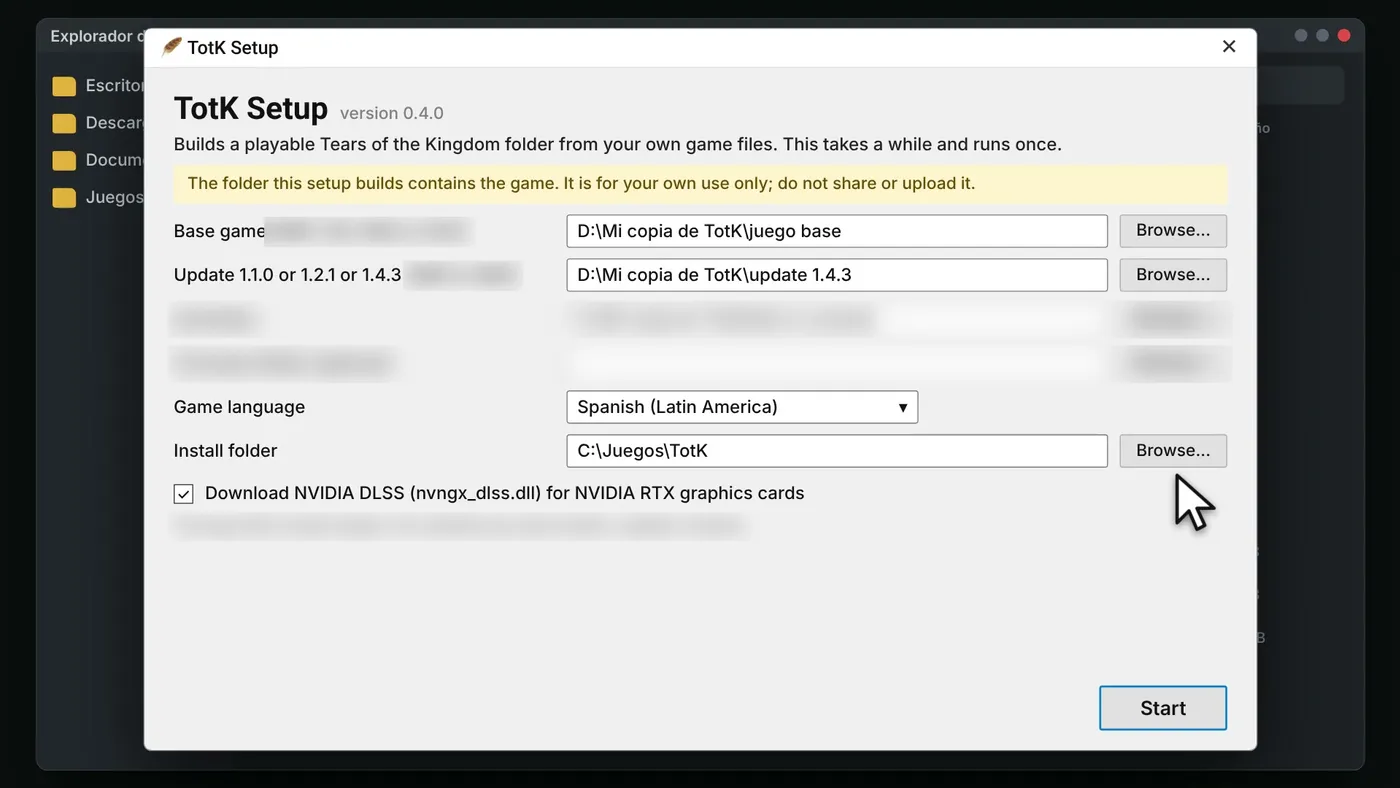
In the TotK Setup window:
- Choose your game files (the base game and the update) and the other things it asks for from your console.
- In Game language, pick your language.
- In Install folder, pick an empty folder, for example
C:\Games\TotK. - If you have an NVIDIA RTX, leave the DLSS download ticked.
Click Start.
Step 5: wait until it finishes (first time only)
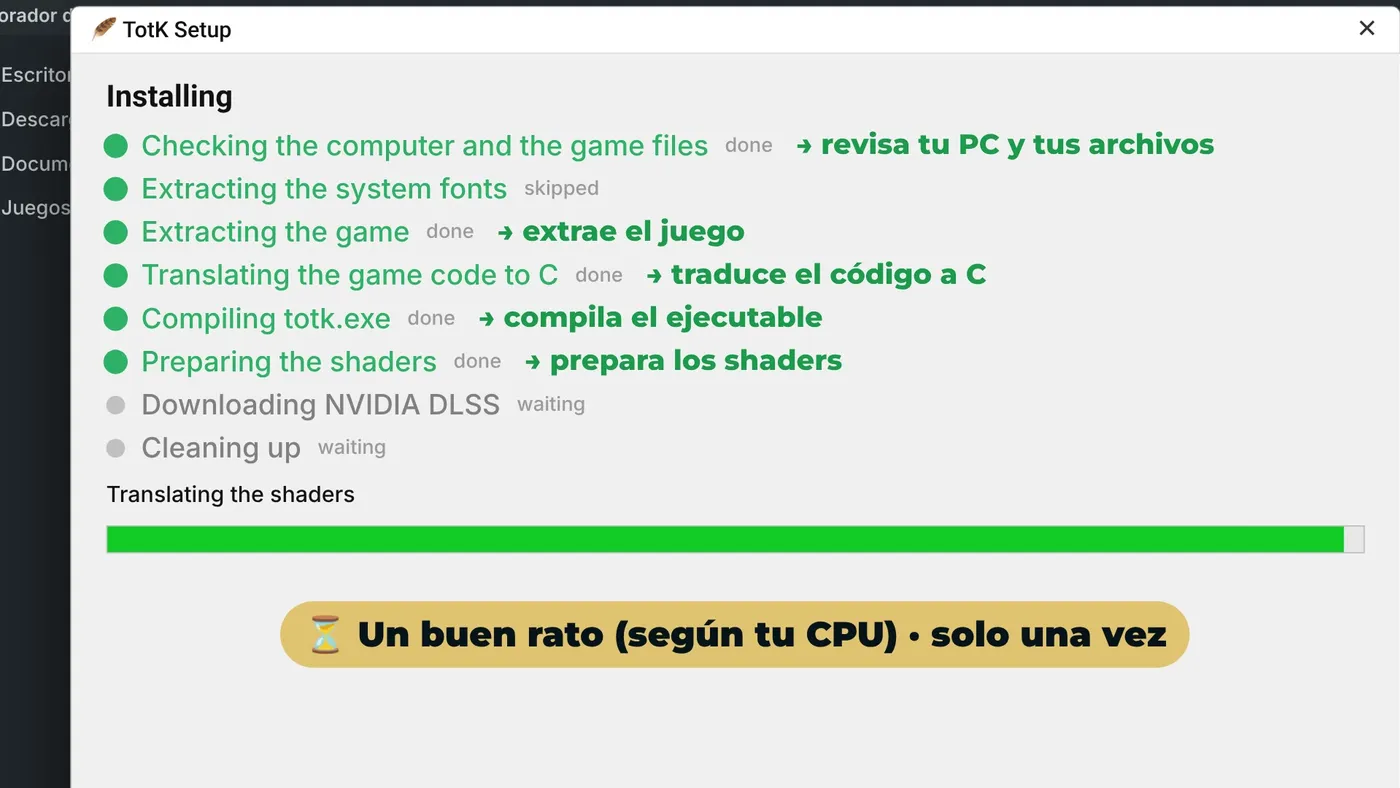
The setup checks your PC and your files, extracts the game, translates its code to C, compiles totk.exe and prepares the shaders (and downloads DLSS if you have an RTX). It takes a good while, depending on your CPU, and it only happens once.
Step 6: open totk.exe and play
When you see "The game is ready", open totk.exe from the install folder. From then on you no longer need the setup or the files you picked. Settings are in the F1 menu, in game, and in the totk.ini file.
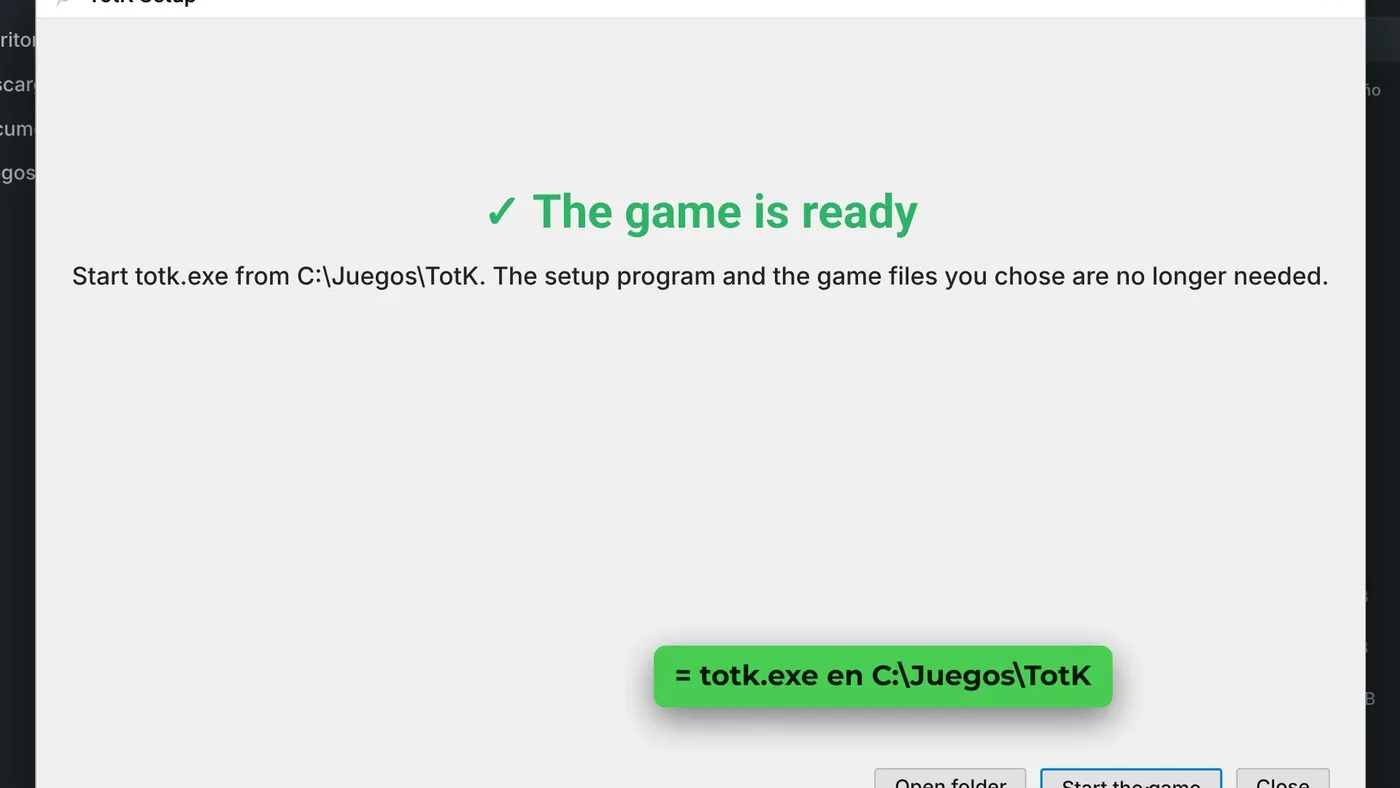
totk.exe.How to update TotK Recomp
When a new version comes out, download the new setup and run it on the same install folder. It keeps your game files, saves and totk.ini, and rebuilds totk.exe and the shaders.
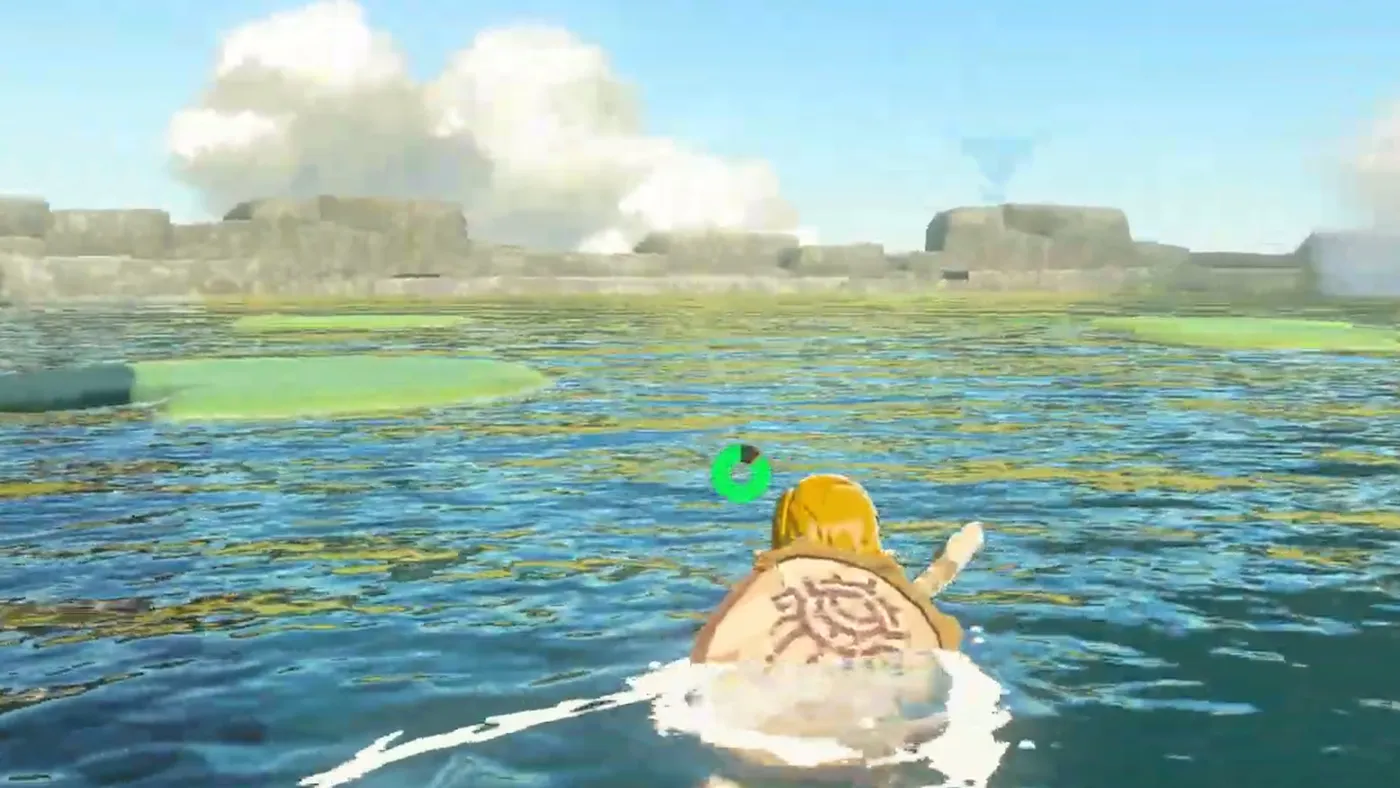
Common problems and how to fix them
These fixes come from the official v0.4.0 release notes and the setup.
AMD: black screen at start or VK_ERROR_DEVICE_LOST
Open totk.ini (next to totk.exe) and add vk_recorder = 0 under the [performance] section.
Laptop: shaders fail, the game does not start or FPS drop sharply
v0.4.0 asks for the dedicated GPU, and on many laptops that changes the order of the GPUs. Set the GPU to Auto (F1 menu › Screen tab) or delete the gpu_index line under [display] in totk.ini, then run the setup again.
"The install folder is not empty"
Pick a new, empty folder with about 36 GB free.
It crashes with mods
Try it once without mods. If it still crashes, open an issue on the official GitHub and attach the logs\totk.log file.
Game 1.2.1 with DLSS: the camera looks zoomed into a corner
This is a known v0.4.0 bug. Turn DLSS off in the menu (Graphics) until the fix comes out.
Frequently asked questions about Zelda Tears of the Kingdom on PC
Is TotK Recomp legal?
TotK Recomp's code is its own and open source (MIT), and it includes nothing from Nintendo. The game is © Nintendo and you must provide your own copy. The folder the setup builds contains the game, so it is only for you: do not share it. What is allowed when dumping your files depends on your country and is your responsibility. I am not a lawyer: check the laws where you live.
Which version of the game do I need?
The base game plus one of these updates: 1.1.0, 1.2.1 or 1.4.3.
Does it work on Steam Deck?
Yes. Use the Linux .AppImage in Desktop Mode. The game has a 16:10 mode for the Deck's screen.
Do Yuzu or Ryujinx mods work?
Yes, mods made for emulators do: RomFS mods, TKMM's merged output and ExeFS patches (.ips and .pchtxt). Unpack them into the mods folder next to totk.exe, then switch and order them from the menu. HD texture packs work too.
Is it the same as Savage Wind?
No. Savage Wind is the Breath of the Wild port. TotK Recomp is for Tears of the Kingdom and is partly based on it (it lists it in its credits).
Is it better than using an emulator?
It depends on your PC. It has clear advantages, such as 60 FPS by default, DLSS or shaders prepared in advance, but it is in early development and still has bugs. If you would rather emulate, check our Eden guide. You also have the TotK Recomp port page and more native PC ports on GigaROM.
Conclusion
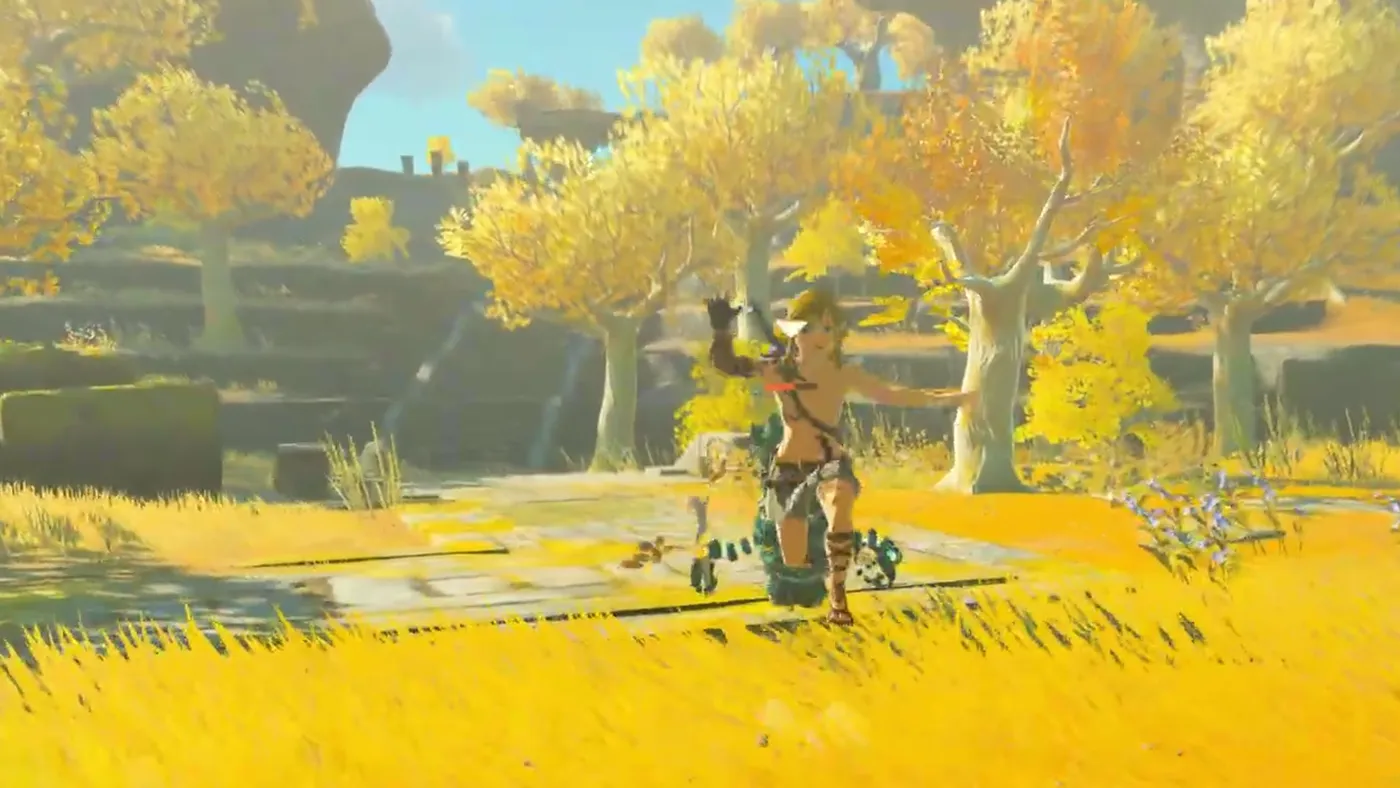
Seeing Tears of the Kingdom running natively on PC, at 60 FPS out of the box and with DLSS, with no emulator in between, is one of the wildest things to happen with ports this year. It is in early development, so be patient with the bugs, but it is moving very fast. If you try it, let me know how it goes.
If you like guides about native PC ports, subscribe to my YouTube channel: I cover them as they come out.
Official links and credits
- Official GitHub: github.com/valentderah/totk-pc-recomp
- Version used: v0.4.0
- Credits: valentderah and contributors (TotK Recomp), Touareg Gaming (gameplay), Nintendo (game and trailer) and Evan-Amos (photos, public domain).
Disclaimer: TotK Recomp is an independent, non-commercial fan project, not affiliated with Nintendo. The Legend of Zelda: Tears of the Kingdom is © Nintendo. GigaROM does not host the game or any game files, and this guide does not explain how to obtain them.