Yuzu emulator interface for Nintendo Switch
Nintendo Switch vALL 16GB Windows

Download Yuzu: Nintendo Switch Emulator for Windows

1,748

What is Yuzu and how it works

Yuzu is an open-source Nintendo Switch emulator for Windows. It lets you run Switch games in NSP, XCI or NRO format on your PC. You need the prod.keys file and the firmware from a Nintendo Switch, plus the game files.

Important: Yuzu's development stopped in March 2024, so it no longer receives official updates. If you want a Switch emulator that is still in active development, check the alternatives in this section.

Requirements Yuzu on Windows

  • 64-bit Windows 10 or 11.
  • A graphics card with Vulkan support (recommended) or OpenGL, with up-to-date drivers.
  • As a rough guide: a powerful multi-core CPU and 16 GB of RAM.
  • prod.keys and firmware files from your console.
  • Games in NSP, XCI or NRO format.

How to install it step by step

  1. Download the file with the button on this page and extract or install it in its own folder.
  2. Open Yuzu and copy prod.keys into the keys folder (File > Open yuzu Folder > keys).
  3. Install the firmware from the Tools menu using your console's firmware file.
  4. Add your games folder by double-clicking the empty area of the game list.
  5. Double-click a game to start it.

Recommended settings

  • Graphics API: in Emulation > Configure > Graphics choose Vulkan if your card supports it.
  • Controller: set it up in Emulation > Configure > Controls.
  • Shader cache: keep it enabled; it reduces stutter after the first sessions.
  • Menu names may vary between versions.

Common problems

  • Keys or firmware error: check that prod.keys and the firmware are the same version and correctly installed.
  • Black screen: update your graphics drivers and try another graphics API.
  • Stutter at the start: this is normal while shaders compile.

ROMs to play with Yuzu

View all Nintendo Switch ROMs

Frequently asked questions about Yuzu

Which system is Yuzu for?

Yuzu is a Nintendo Switch emulator available here for Windows.

Do I need ROMs to use it?

Yes. The emulator only runs the games; you need the Nintendo Switch ROMs or ISOs, which you can find in the ROMs section of this site.

Which version does this page offer?

The version listed on this page is ALL.

Published by

Developer and author at GigaROM

Soul_King. Developer and retro enthusiast. I write GigaROM's guides on emulators and classic games.

Information
Full Name Yuzu - Switch Emulator (Windows)
Emulator Nintendo Switch Emulators
Version ALL
File Size 16GB
Platform Windows
Downloads 1,748
Published by Soul_King Soul_King
You need to download a Nintendo Switch ROM to play on this emulator
Screenshots (5)
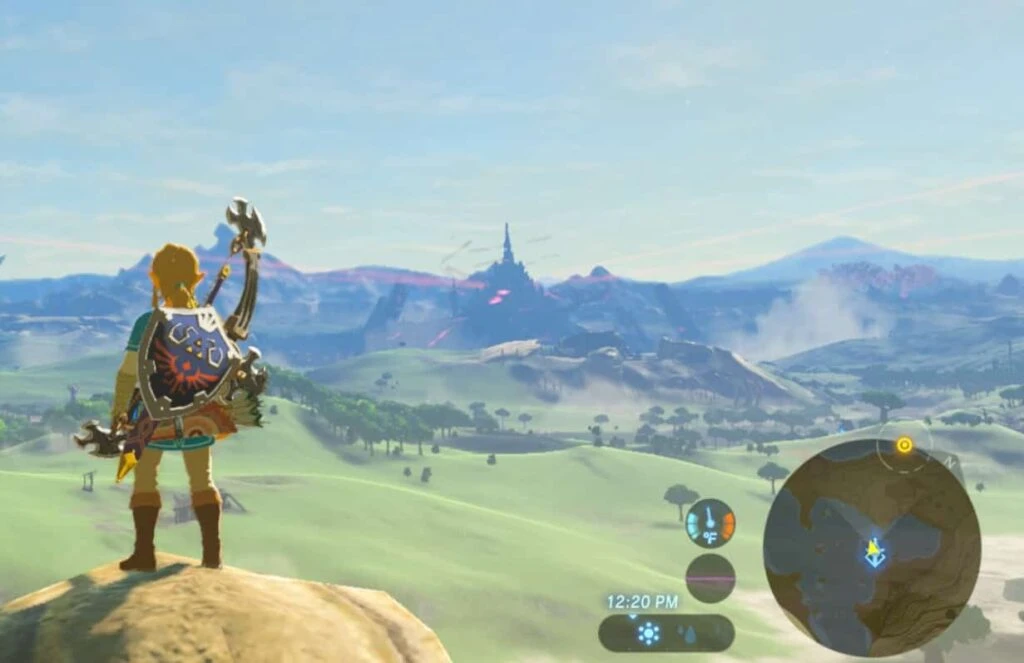
Yuzu - Switch Emulator (Windows) Screenshot 1
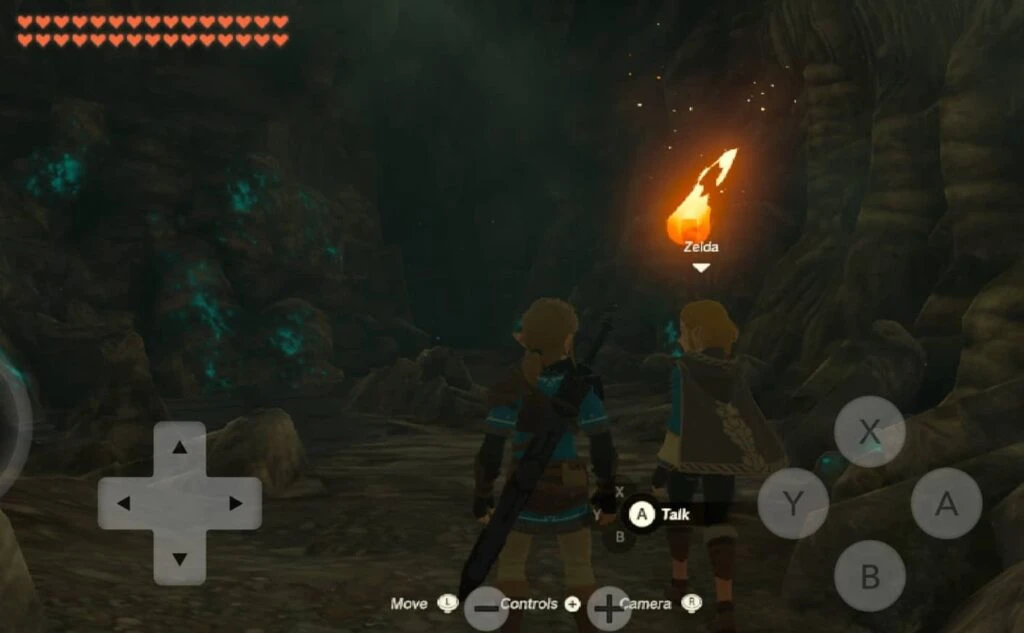
Yuzu - Switch Emulator (Windows) Screenshot 2
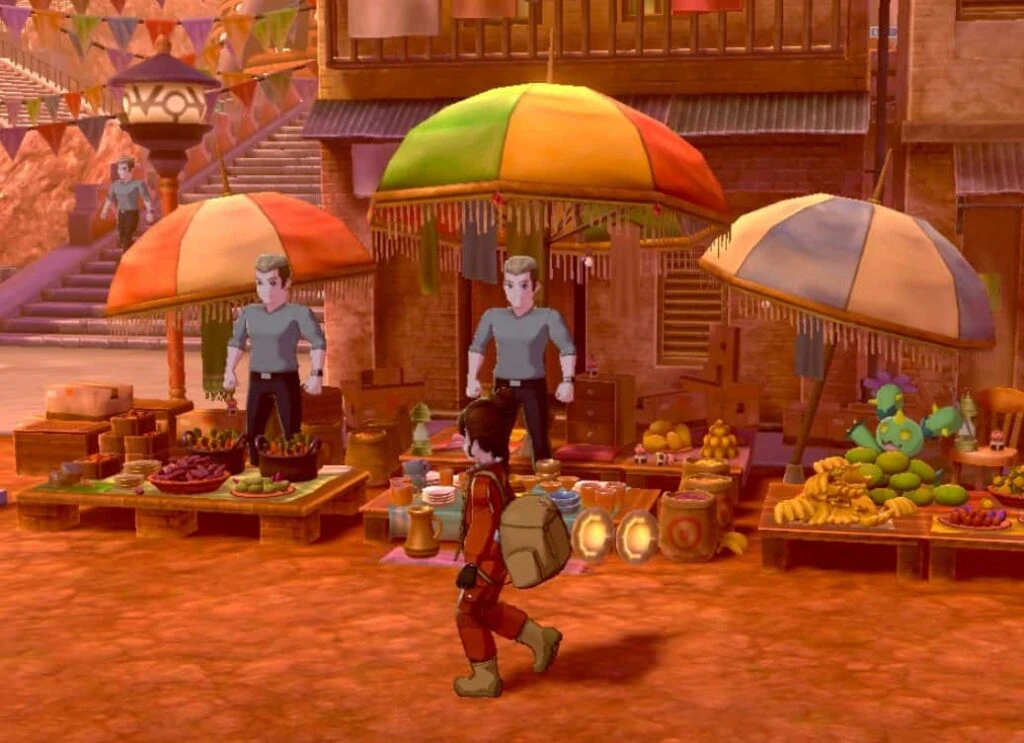
Yuzu - Switch Emulator (Windows) Screenshot 3
Yuzu - Switch Emulator (Windows) Screenshot 4
Yuzu - Switch Emulator (Windows) Screenshot 5

More Nintendo Switch Emulators

Eden Emulator

Eden

Windows 3,748
Ryujinx (Windows) Emulator

Ryujinx (Windows)

Windows 1,341
Eden Emulator

Eden

Android 230
Yuzu - Switch Emulator (Android)

Yuzu - Switch Emulator (Android)

Android 111