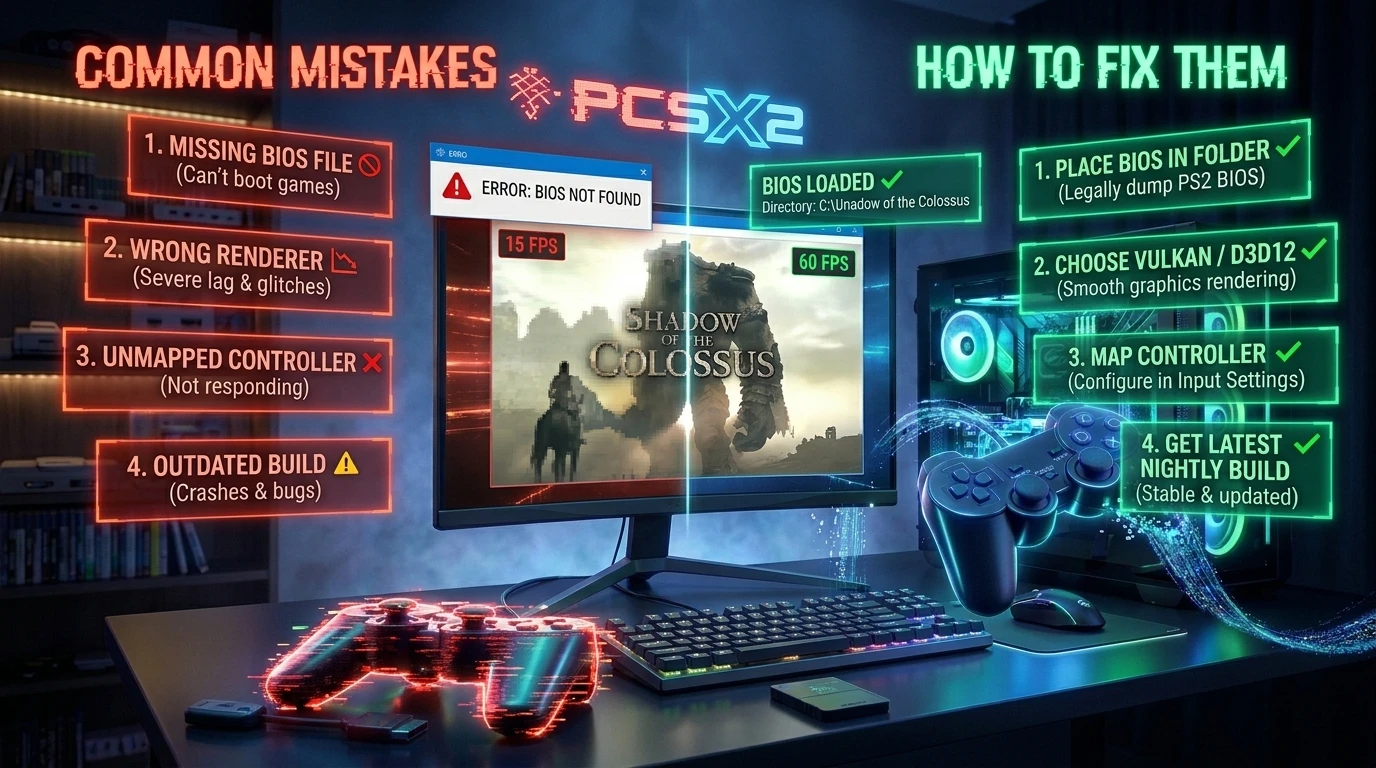

If you want to play the PlayStation 2 on a computer, two emulators are worth using in 2026: PCSX2, the most complete one and the one to try first, and Play!, an alternative that needs no BIOS and also runs on Android, iOS and in a browser. For a few games there are also native ports that emulate nothing. This comparison gathers the data from each project's official sources (checked on October 25, 2026) so you can choose without wasting time.
Quick summary
- For most people: PCSX2. It is free, open source and, according to its own README, runs most games at full speed.
- If you have no PS2 BIOS or want to try it on a phone or in a browser: Play!.
- If you only want one specific game: check whether it has a native port, such as Jak and Daxter.
PS2 emulator comparison
Swipe the table sideways if it does not fit your screen.
| PCSX2 | Play! | |
|---|---|---|
| Systems | Windows, Linux and macOS | Windows, macOS, UNIX, Android, iOS and browser (experimental) |
| BIOS | Required: a dump from a PS2 console you own | Not required: it uses a built-in emulated BIOS |
| Compatibility | According to its README, runs most games at full speed | Has its own public compatibility tracker on GitHub; check it before trying a game |
| Latest version checked | Stable 2.8.2 (September 4, 2026); also 2.9.x nightly builds | 0.77 (July 2, 2026) |
| Best for | Playing on a PC with many graphics and tuning options | Trying it without a BIOS or on devices where PCSX2 does not run |
PCSX2: the most complete emulator
PCSX2 has been in development for over 20 years and is a free project. Its README says current versions run most games at full speed, including popular titles such as Final Fantasy X or Devil May Cry 3. It runs on Windows, Linux and macOS and requires a BIOS dump from a PS2 console you own.
Official requirements
The project publishes three requirement levels. The heavier the game, the more CPU you need; the graphics card matters mostly according to the resolution you run it at.
Swipe the table sideways if it does not fit your screen.
| Minimum | Moderate | Heavy | |
|---|---|---|---|
| System | Windows 10, macOS 11 or Ubuntu 22.04 | Windows 11, macOS 14–15 or Ubuntu 26.04 | Windows 11, macOS 14–15 or Ubuntu 26.04 |
| CPU | x86-64 with SSE4.1; two physical cores | x86-64 with AVX2; four physical cores | x86-64 with AVX2; six physical cores, or an M-series chip |
| GPU | Vulkan 1.1, Direct3D 11 or OpenGL 3.3 | Vulkan 1.3, Direct3D 12, OpenGL 4.6 or Metal; 4 GB VRAM | Vulkan 1.3, Direct3D 12, OpenGL 4.6 or Metal; 8 GB VRAM |
| Memory | 8 GB | 16 GB | 16 GB |
| Example hardware | Core i7-2760QM or AMD FX-8350; GeForce GT 720 | Core i7-4790 or Ryzen 5 1600; GTX 1650 or RX 570 | Core i7-8700K or Ryzen 5 3600X; RTX 3050 or RX 5600 XT |
Requirements vary a lot between games and the project itself warns that slower hardware "may work, but playability and performance are not guaranteed". To install it step by step, follow our guide to installing and setting up PCSX2; if something fails, see the common problems and fixes. You also have the PCSX2 page on GigaROM.
Play!: the alternative without a BIOS
Play! is a PS2 emulator for Windows, macOS, UNIX, Android, iOS and web browser. It uses a built-in emulated BIOS, so an external BIOS file is not needed (or possible). Its project keeps a public compatibility tracker showing which games work and which do not, and there is an experimental web version at playjs.purei.org.
Two things worth knowing: on iOS it needs to generate JIT code, which requires extra steps (a jailbroken device or enabling JIT by other means); also, check the compatibility tracker before assuming a game will work.
Native ports: playing without an emulator
For a few PS2 games the community has built projects that rebuild the game for PC. They are not emulators, they only work for that one game and they still need your original copy:
- Jak and Daxter (OpenGOAL): the trilogy, with the first game complete.
- Dragon Ball Z: Budokai Tenkaichi 3: a native port for Windows and Linux.
- Burnout 3: Takedown: in alpha, Windows only.
There is also PS2Recomp, a static recompilation tool for creating native ports of PS2 games. It is not an emulator and is not used directly to play; it is the groundwork some projects are starting to use and its status is experimental. You can find all the verified ports in the native ports section.
Which one should you choose?
- You have a PC a few years old and want the most complete emulator: PCSX2.
- You have no PS2 BIOS and cannot get one from your console: try Play!.
- You want to play on Android: Play! is the one of the two that supports it.
- You want Jak and Daxter at the best quality: the OpenGOAL native port.
Frequently asked questions
Do I need the PS2 BIOS?
With PCSX2, yes: it must be a dump from your own console. With Play!, no: it has an emulated BIOS.
Does PCSX2 work on Android?
No: according to its official requirements it runs on Windows, Linux and macOS. On Android, of these two, only Play! is available.
Is it legal to use an emulator?
The emulator itself is free software. What you need are your own copies of the game and the BIOS. GigaROM does not host files; see our safety guide and the DMCA policy.
Which one is faster?
It depends on the game and your hardware. Both projects' pages give performance guidance; PCSX2 publishes concrete requirements per level, which are the best reference.
Official sources
- PCSX2: downloads and system requirements
- PCSX2 on GitHub
- Play! and its compatibility tracker
- PS2Recomp
While you decide, see our selection of the best PS2 games or the catalog in the PS2 section.
Notice: GigaROM does not host files. Use only copies of games and BIOS that you legally own. If you are a rights holder and want a page removed, see our DMCA policy.