SMBX on PC: TheXTech, the engine rewritten in C++
A direct continuation of the SMBX 1.3 engine rewritten from VB6 into C++, cross-platform, that reproduces the original with its logic bugs and adds new features. For playing the classic levels and episodes.
What it is
TheXTech is a direct continuation of the SMBX 1.3 engine. It was originally written in VB6 for Windows and later ported and rewritten in C++, becoming a cross-platform engine. It completely reproduces the old SMBX 1.3 engine (aside from its editor), including many of its logic bugs (critical bugs that crash or freeze the game were fixed), and also adds many updates and features.
Its author made it as a research model for the Moondust Engine and to provide a fully compatible replica of the old engine for modern platforms, so old levels and episodes play with the same feel, without needing Wine. The latest release is 1.7.4.2 (a 3DS and Wii hotfix). GigaROM does not host the engine; the download comes from the official page.
What you need
- Windows, Linux, Android or iOS (the project also has console builds).
- SMBX episodes or levels you want to play.
How to install and run it
- Download the latest release for your system from the official page (“Go to official project” button).
- Install it and place the episodes and levels you want to play.
- Open TheXTech and choose an episode.
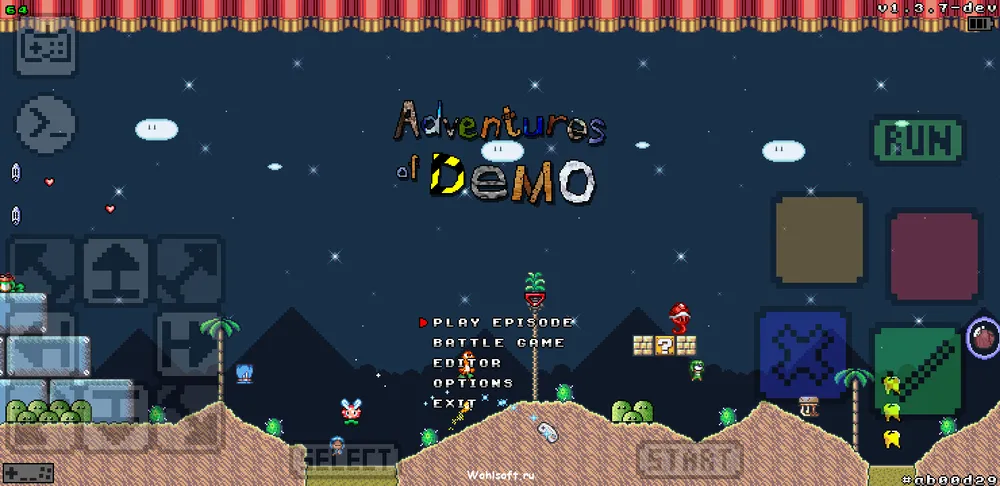
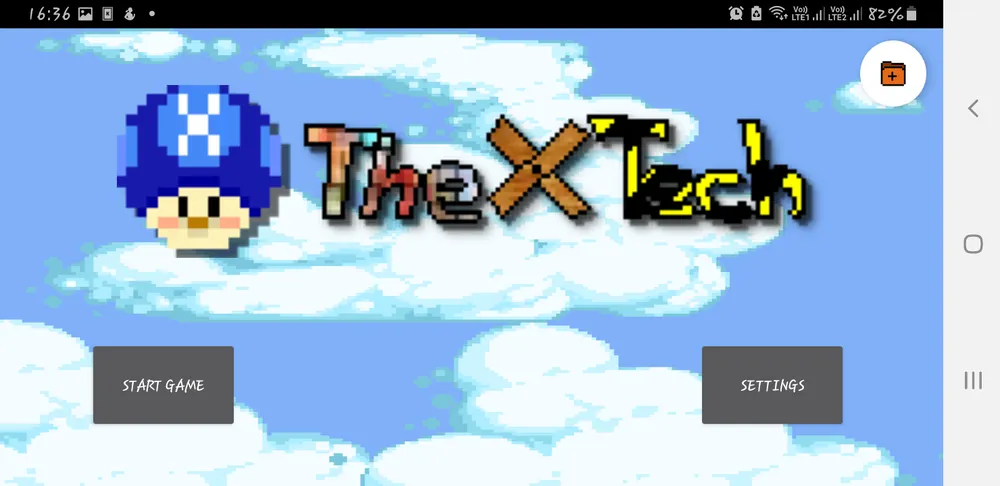
Screenshots
Current limitations
- It also reproduces many logic bugs of the original engine (critical ones are fixed).
- The SMBX editor is not part of the project.
Port or emulator?
If your computer does not meet the requirements, you do not have the exact version the port asks for, or you prefer the classic route, you can play the original with a console emulator: see emulators and its install and setup guide.
Other ports

Dragon Ball Z: Budokai Tenkaichi 3 PC Port (native)
Native, playable port of Budokai Tenkaichi 3 (PS2, USA version) for Windows and Linux. It is not an emulator and you need your own original copy of th...

Jak and Daxter PC Port (OpenGOAL, native trilogy port)
OpenGOAL brings the PS2 Jak and Daxter trilogy to PC (Windows, Linux and macOS). Jak 1 is complete, Jak 2 is in beta and Jak 3 is in progress. You nee...

The Legend of Zelda: Twilight Princess PC Port (Dusklight)
Native reimplementation of Twilight Princess for PC and mobile, with higher resolution and frame rates, quality-of-life options and a mod system. You...