Mega Man X6 on PC: MegaManX6Recomp
Mega Man X6 (USA, SLUS-01395, disc v1.1) recompiled with PSXRecomp for Windows and Linux, with local X + Zero co-op and basic netplay in alpha.
What it is
MegaManX6Recomp statically recompiles Mega Man X6 (USA, SLUS-01395, disc revision v1.1) into a native PC executable with PSXRecomp, the same framework behind TombaRecomp. The game’s MIPS code is translated to C and compiled into a program that runs the original logic on a faithful simulation of PS1 hardware and the recompiled BIOS. Netplay skips the BIOS shell animation while preserving kernel initialization and disc boot.
The latest release, 1.3.2-alpha, adds two-player X + Zero co-op: local co-op and basic netplay are playable, but full campaigns, internet conditions and longer sessions still need coverage; 1.2.0 remains the stable release. The repository contains neither the disc nor the BIOS. GigaROM hosts neither the port nor the game; the download comes from the official page.
What you need
- Windows or Linux.
- Your own disc image of Mega Man X6 USA (SLUS-01395, disc revision v1.1).
How to install and run it
- Download the stable release (1.2.0) or the latest alpha from the official page (“Go to official project” button).
- Generate the executable from your disc following the README.
- Open the program and play; co-op and netplay are experimental.
Screenshots
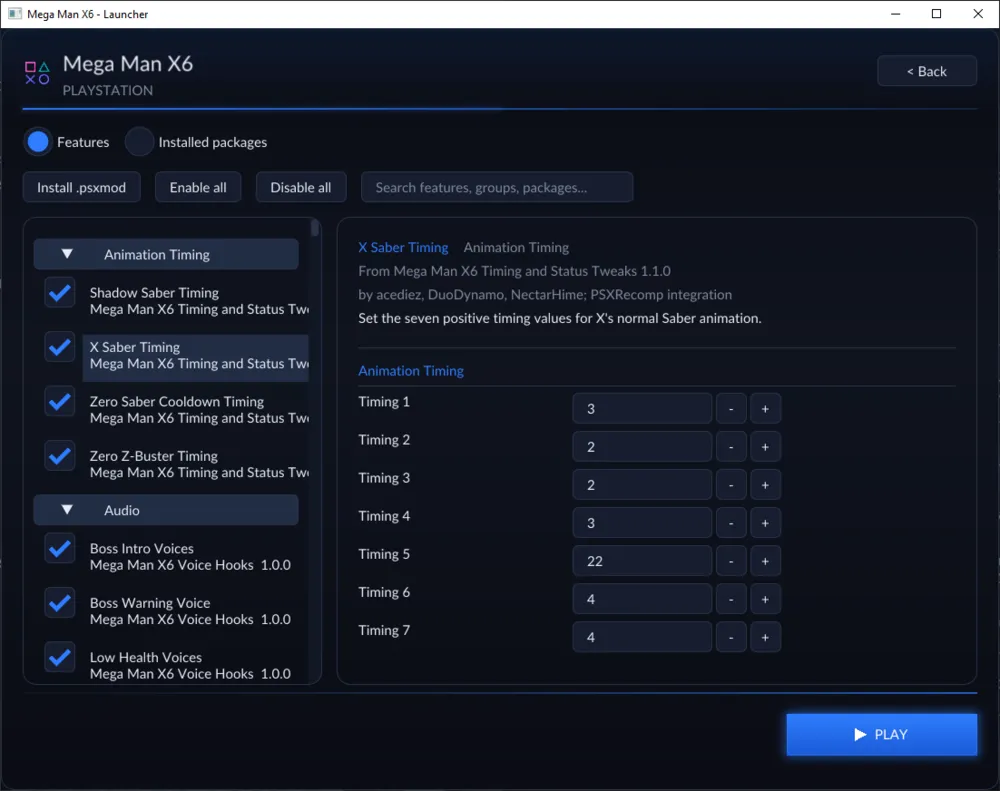
Current limitations
- The newest release is an alpha; the stable one is 1.2.0.
- Co-op and netplay need more testing in long and online sessions.
- The repository’s license is not a standard one: check the license file.
Port or emulator?
If your computer does not meet the requirements, you do not have the exact version the port asks for, or you prefer the classic route, you can play the original with a console emulator: see emulators and its install and setup guide.
Other ports

Dragon Ball Z: Budokai Tenkaichi 3 PC Port (native)
Native, playable port of Budokai Tenkaichi 3 (PS2, USA version) for Windows and Linux. It is not an emulator and you need your own original copy of th...

Jak and Daxter PC Port (OpenGOAL, native trilogy port)
OpenGOAL brings the PS2 Jak and Daxter trilogy to PC (Windows, Linux and macOS). Jak 1 is complete, Jak 2 is in beta and Jak 3 is in progress. You nee...

The Legend of Zelda: Twilight Princess PC Port (Dusklight)
Native reimplementation of Twilight Princess for PC and mobile, with higher resolution and frame rates, quality-of-life options and a mod system. You...