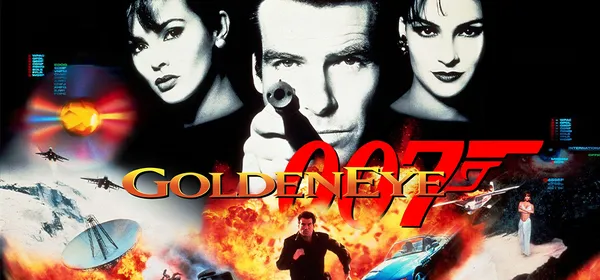
GoldenEye 007 on PC: GoldenEye 007 PC Port
GoldenEye 007 from N64 as a native PC game, built from the open decompilation: widescreen, 60 fps, split-screen and mouse or controller. You need your own ROM.
What it is
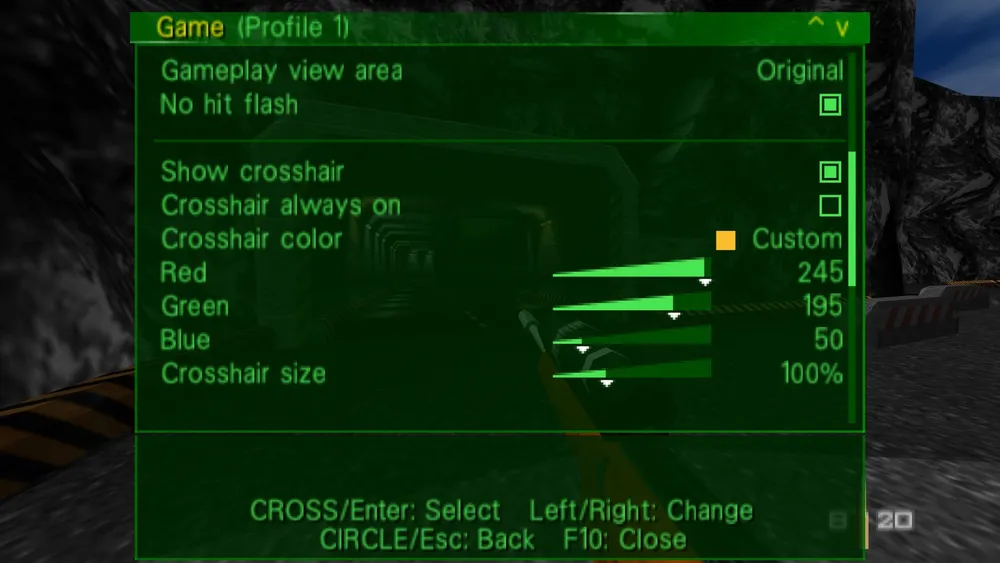
GoldenEye 007 PC Port turns GoldenEye 007 (Nintendo 64, 1997) into a native PC game. It is neither an emulator nor a binary recompilation: it uses the game’s reconstructed C code from the decompilation, compiled for your PC and run with your own ROM. It offers native widescreen, a steady 60 fps, 2–4 player split-screen, mouse and keyboard or a controller, rebindable controls and an options menu.
The project includes no ROM or Nintendo assets. GigaROM hosts neither the port nor the game: the download is from the official page. The author states it was developed with AI agents directed by one person.
What you need
- 64-bit Windows 10 or 11, or x86-64 Linux with glibc 2.31 or newer (including Steam Deck).
- A GPU with OpenGL 3.0 drivers (nearly any GPU from the last fifteen years).
- A keyboard and mouse or a controller; split-screen needs one controller per extra player.
How to install and run it
- Download the
win64.zip(Windows) or the Linux tarball from the releases page (“Go to official project” button) and extract it; on Windows do not run it from inside the ZIP. - Create a
data/folder next to the executable and put your ROM in it asge007.ntsc-final.z64. - Open the executable. On first start it reads your ROM and generates the asset files once.
- Play: F10 (or Select on the pad) opens the options.
Screenshots
Current limitations
- It is a pre-1.0 release: the campaign and split-screen work, but pieces are missing and updates may break compatibility.
- Only the North American (NTSC-U) ROM works today; PAL/JP ROMs and macOS are not yet supported.
- The executable is not code-signed: Windows SmartScreen may warn; choose “More info” then “Run anyway”.
Port or emulator?
If your computer does not meet the requirements, you do not have the exact version the port asks for, or you prefer the classic route, you can play the original with a console emulator: see emulators and its install and setup guide.
Other ports

Dragon Ball Z: Budokai Tenkaichi 3 PC Port (native)
Native, playable port of Budokai Tenkaichi 3 (PS2, USA version) for Windows and Linux. It is not an emulator and you need your own original copy of th...

Jak and Daxter PC Port (OpenGOAL, native trilogy port)
OpenGOAL brings the PS2 Jak and Daxter trilogy to PC (Windows, Linux and macOS). Jak 1 is complete, Jak 2 is in beta and Jak 3 is in progress. You nee...

The Legend of Zelda: Twilight Princess PC Port (Dusklight)
Native reimplementation of Twilight Princess for PC and mobile, with higher resolution and frame rates, quality-of-life options and a mod system. You...