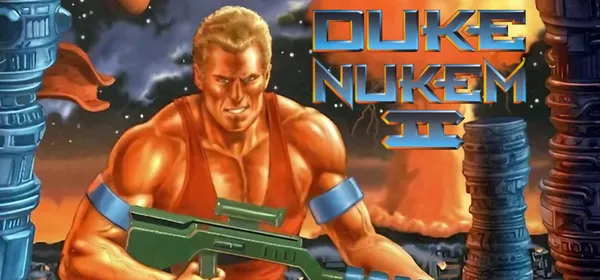
Duke Nukem II on PC: Rigel Engine
A reimplementation of Duke Nukem II (Apogee, 1993) as a drop-in replacement for the original executable, native on modern systems, with widescreen, smooth scrolling and quick saving.
What it is
Rigel Engine is a re-implementation of Duke Nukem II, released by Apogee Software in 1993 for MS-DOS. It works as a drop-in replacement for the original executable: it reads the game’s data files and plays just like the original, but runs natively on modern operating systems and is written in modern C++. Compared with running it in an emulator it offers widescreen mode, smooth scrolling and movement at a higher frame rate, quick saving, improved game controller support and extended modding features.
Since the original source code was never released, the project is based on reverse engineering (disassembly of the binaries). You need Duke Nukem II’s data files. GigaROM hosts neither the engine nor the game; the download comes from the official page.
What you need
- Windows, Linux or macOS.
- The Duke Nukem II data files (the shareware or the full version).
How to install and run it
- Download the stable release from the official page (“Go to official project” button).
- Open Rigel Engine and point it to the folder with the Duke Nukem II data.
- Play; the options let you enable widescreen and smooth movement.
Current limitations
- It needs the original game’s data.
- The project’s web version is not working for now.
Port or emulator?
If your computer does not meet the requirements, you do not have the exact version the port asks for, or you prefer the classic route, you can play the original with a console emulator: see emulators and its install and setup guide.
Other ports

Dragon Ball Z: Budokai Tenkaichi 3 PC Port (native)
Native, playable port of Budokai Tenkaichi 3 (PS2, USA version) for Windows and Linux. It is not an emulator and you need your own original copy of th...

Jak and Daxter PC Port (OpenGOAL, native trilogy port)
OpenGOAL brings the PS2 Jak and Daxter trilogy to PC (Windows, Linux and macOS). Jak 1 is complete, Jak 2 is in beta and Jak 3 is in progress. You nee...

The Legend of Zelda: Twilight Princess PC Port (Dusklight)
Native reimplementation of Twilight Princess for PC and mobile, with higher resolution and frame rates, quality-of-life options and a mod system. You...