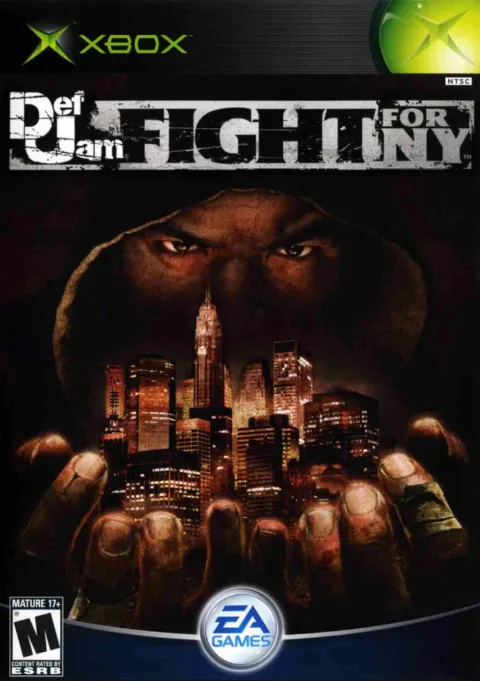
Def Jam: Fight for NY PC Port (Recompiled Xbox)
Unofficial port of Def Jam: Fight for NY (Xbox) for Windows, macOS and Linux, including the Steam Deck. You need your own USA Xbox dump.
What it is
This unofficial port recompiles the original Xbox Def Jam: Fight for NY to run natively on Windows, macOS and Linux, including the Steam Deck, with higher rendering resolution, modern controller support, local multiplayer and optional HD textures. Its README describes it as "mature": all game functionality works and it keeps being optimized.
It is not an emulator and it does not include any game assets: you must provide the data from your own copy. Windows uses Direct3D 11; Apple Silicon Macs and x86-64 Linux use Vulkan. Version 0.11.0 adds a beta of mod support from the launcher, and widescreen (beta) has worked since 0.9.0.
What you need
- Windows x64 (Direct3D 11), Apple Silicon Mac or x86-64 Linux (Vulkan); the Steam Deck uses the Linux version.
- The README does not publish hardware requirements; see the repository's install guide.
How to install and run it
- Download the latest setup from the releases page (the "Go to the official project" button).
- Follow the repository's install guide and provide your USA Xbox dump.
- The setup checks the dump and builds the game on your machine.
Current limitations
- Network multiplayer is not supported.
- Frame rates above 60 fps are listed as future work and are not in the current release.
- The repository does not specify a license.
- The original game is aimed at an adult audience: check its age rating before playing.
Port or emulator?
If your computer does not meet the requirements, you do not have the exact version the port asks for, or you prefer the classic route, you can play the original with a Microsoft Xbox emulator: Xemu and its install and setup guide.
Other ports

Dragon Ball Z: Budokai Tenkaichi 3 PC Port (native)
Native, playable port of Budokai Tenkaichi 3 (PS2, USA version) for Windows and Linux. It is not an emulator and you need your own original copy of th...

Jak and Daxter PC Port (OpenGOAL, native trilogy port)
OpenGOAL brings the PS2 Jak and Daxter trilogy to PC (Windows, Linux and macOS). Jak 1 is complete, Jak 2 is in beta and Jak 3 is in progress. You nee...

The Legend of Zelda: Twilight Princess PC Port (Dusklight)
Native reimplementation of Twilight Princess for PC and mobile, with higher resolution and frame rates, quality-of-life options and a mod system. You...